Preview · not the full-length or full-resolution file
0:000:00
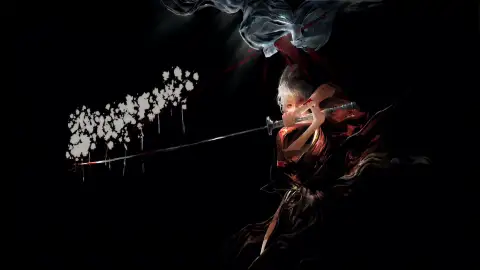
About Ink Samurai: Blue Eye Live Wallpaper
Ink Samurai: Blue Eye Live Wallpaper is a stunning computer and mobile background available in Black and White category. The original resolution of the video is 4K, with a file size of 154.35 MB.
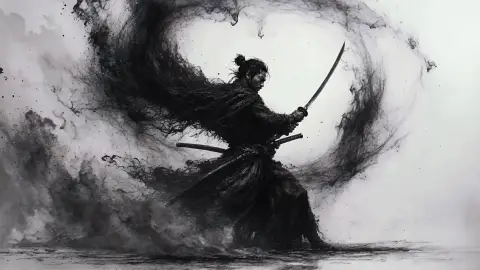
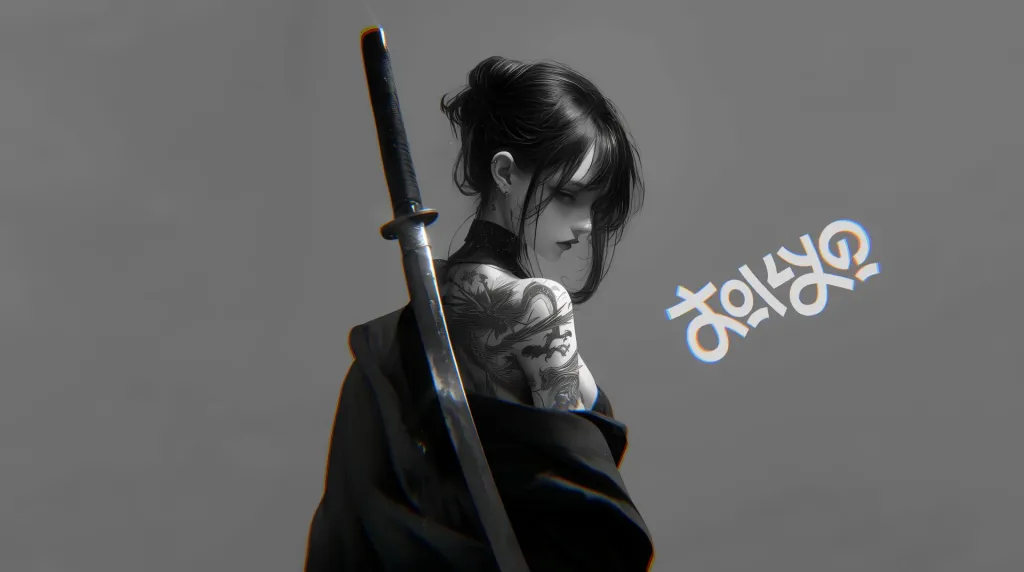
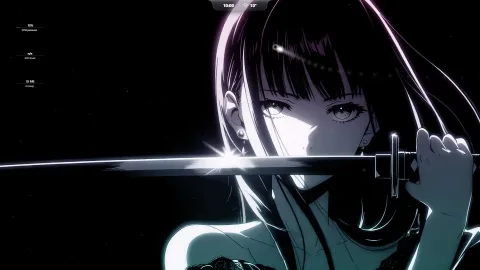
An ink-splatter style anime live wallpaper depicting a female samurai in a dynamic combat stance. Rendered in monochromatic tones, her long ponytail drifts behind her as she holds her katana, with her glowing blue eye and a matching blue sheen on the blade adding subtle color accents.
How to set it
Windows: drop the file into Wallpaper Engine or the free Lively Wallpaper app.
Mac: use the Mac button under Download, or any wallpaper app.
Android: open the download menu (▾) and pick Download for Mobile. Full guide →
Questions
Is Ink Samurai: Blue Eye free to download?
Yes. Ink Samurai: Blue Eye is free to download on DesktopHut for personal use on your own desktop or phone. No account is needed.
Will an animated wallpaper slow down my PC?
Well optimized live wallpapers use little CPU and GPU. Lively Wallpaper and Wallpaper Engine can also pause the animation automatically when a game or fullscreen app is running, so it will not hurt your frame rate.
Does it work on ultrawide screens?
It is 16:9, so it fits standard monitors and TVs from Full HD up to 4K. On 21:9 or 32:9 ultrawide screens it is scaled to fill, so the top and bottom are cropped a little.
Instantly set this wallpaper directly in the Wallspace app.
One Game Launcher
One Game Launcher provides a centralized place for your game library easily accessible by gamepad or keyboard & mouse. OGL is available as the game bar widget (compact and desktop mode) and regular app from the start menu.
Comments (0) — be the first to comment