Home › Black and White › Ink Samurai Clock

Ink Samurai Clock

15.4K views · 4K · DH · 6.11 MB

Preview · not the full-length or full-resolution file
0:00 0:00

Ink Samurai Clock Live Wallpaper is an interactive scene wallpaper available in Black and White category. It renders at 4K, with a download size of 6.11 MB. This is not a video — it's a live scene file (.dh) and only plays through the free DesktopHut app, not as a regular video wallpaper.

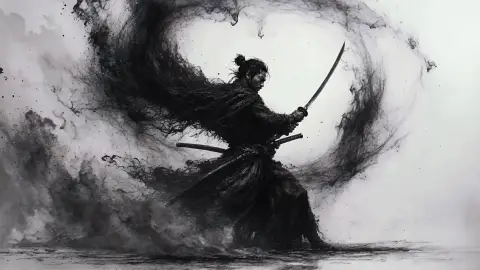
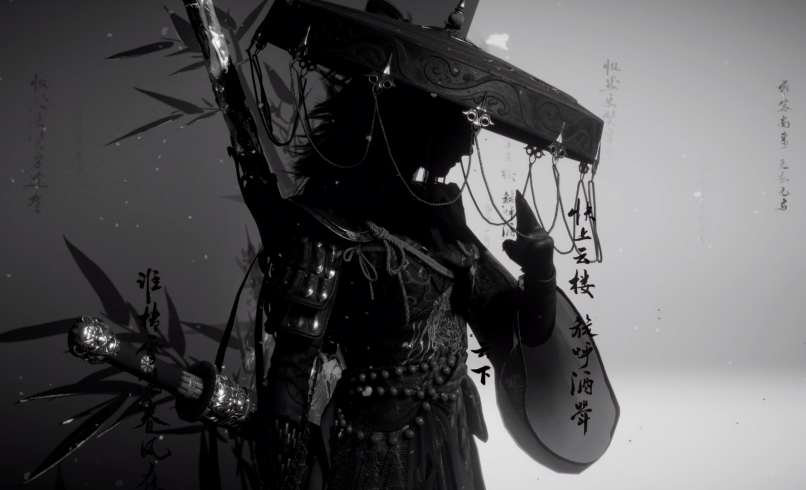
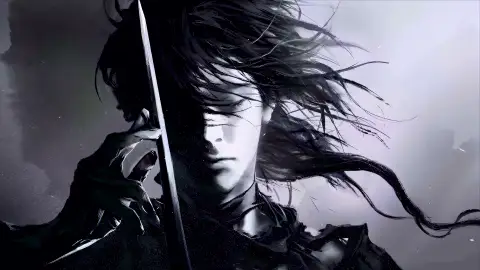
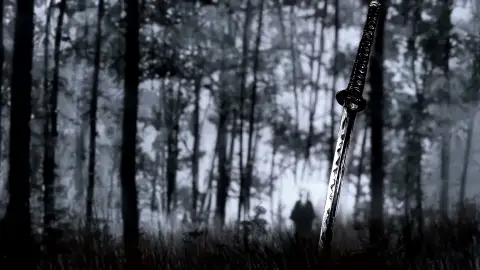
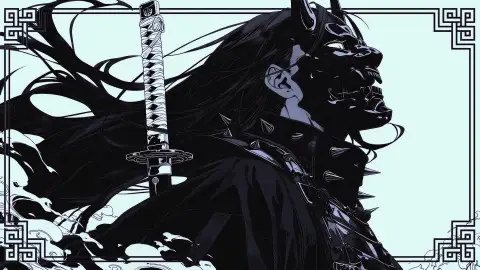
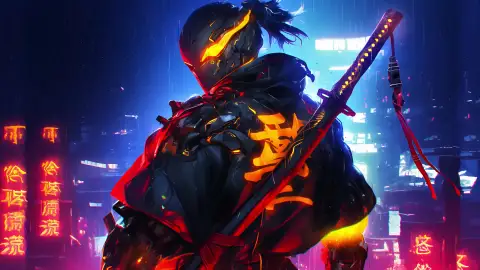
Created this animated wallpaper using DesktopHut Studio Editor. Used Stateless Smoke, Clock, Sakura petals layers and Water wave and Shake effects. Created a traditional sumi-e ink-wash live wallpaper featuring a lone samurai in traveling armor and a conical straw hat + Clock Widget.

Comments

Log in to comment as yourself instead of a guest.

mooncake M
mooncake Scene Contributor #2 Top Contributor
13 wallpapers published · 94 favorites received
Scene wallpapers only work with the free DesktopHut app — regular video-wallpaper apps can't play a .dh file.
How to Set as Live Wallpaper Step-by-step guide

Ink Samurai Clock Live Wallpaper: Use Cases, Compatibility & How to Use

Ink Samurai Clock is a free 4K Ultra HD black and white interactive scene wallpaper for PC, Mac and mobile, created at 3840x2160. It is a smooth, seamlessly looping animated background from our Black and White collection that you can set as your desktop wallpaper in a few clicks with Wallpaper Engine, Lively Wallpaper or the free DesktopHut app.

Best Use Cases

  • Gaming PC and desk setupBring your Windows or macOS desktop, single-monitor or dual-monitor battlestation to life with Ink Samurai Clock.
  • 4K and ultra-wide monitors4K Ultra HD quality that stays sharp on large and high-resolution screens.
  • Large TV or digital signageA looping animated backdrop for living-room TVs, shops and lobbies.
  • Streaming backgroundUse it as an overlay panel or scene background on Twitch and YouTube.
  • Wallpaper Engine or LivelyDrop it into your library and use it as a black and white live wallpaper.
  • Video editingLooping B-roll or motion background for edits and intros.
  • Presentations and eventsAn eye-catching backdrop for talks, meetups and parties.
  • Phone and tabletUse a video wallpaper app on Android to animate your home screen.

Compatibility

This is a live scene file (.dh), not a regular video. It plays on Windows through the free DesktopHut app.

How to Use

  1. Click the Download button above to save Ink Samurai Clock to your device.
  2. Install the free DesktopHut app on Windows and open it.
  3. Open the downloaded scene file in the app and click Set as wallpaper.
  4. Browse more Black and White wallpapers if you want to build a collection.

Frequently Asked Questions

Is Ink Samurai Clock free to download?

Ink Samurai Clock is available to download for free on DesktopHut for personal use on your own desktop or phone. No account is needed to download it.

How do I set Ink Samurai Clock as my desktop wallpaper?

Install the free DesktopHut app on Windows, open the downloaded scene file in it and apply it as your wallpaper.

Will an animated wallpaper slow down my PC?

Well optimized live wallpapers use little CPU and GPU. Lively Wallpaper and Wallpaper Engine can also pause the animation automatically when a game or fullscreen app is running, so it will not hurt your frame rate.

What resolution is Ink Samurai Clock?

Ink Samurai Clock is provided as 4K Ultra HD (3840x2160), with a download size of 6.11 MB. It scales to fit Full HD, 2K and 4K monitors.