Wallpaper How-To
Trending Live Wallpapers Backgrounds 4K AI Generator Anime Gaming Dark Cars Nature Cyberpunk Space Naruto One Piece Anime Girl 1920×1080 Arcane
Back / Anime / Sci-fi Fantasy / Pokemon: Giant Gengar City Live Wallpaper

Pokemon: Giant Gengar City Live Wallpaper

MP4 2560x1440 57.69 MB
0:00 0:00
5
Favorite
Share
moonie
moonie Creator
40 wallpapers published
Details
Type Video (MP4)
Resolution 2560x1440
File Size 57.69 MB
Likes 5
DOWNLOAD
Set on Windows (DesktopHut Studio)
DesktopHut Studio
The free companion app for Windows, from the Microsoft Store. Browse, download and set live wallpapers with extra tools the website doesn't have. Opens the Store listing in a new tab.
Wallspace for macOS
Instantly set this wallpaper directly in the Wallspace app.
One Game Launcher
One Game Launcher provides a centralized place for your game library easily accessible by gamepad or keyboard & mouse. OGL is available as the game bar widget (compact and desktop mode) and regular app from the start menu.
Set on Browser Tab:
Remix Studio
Description

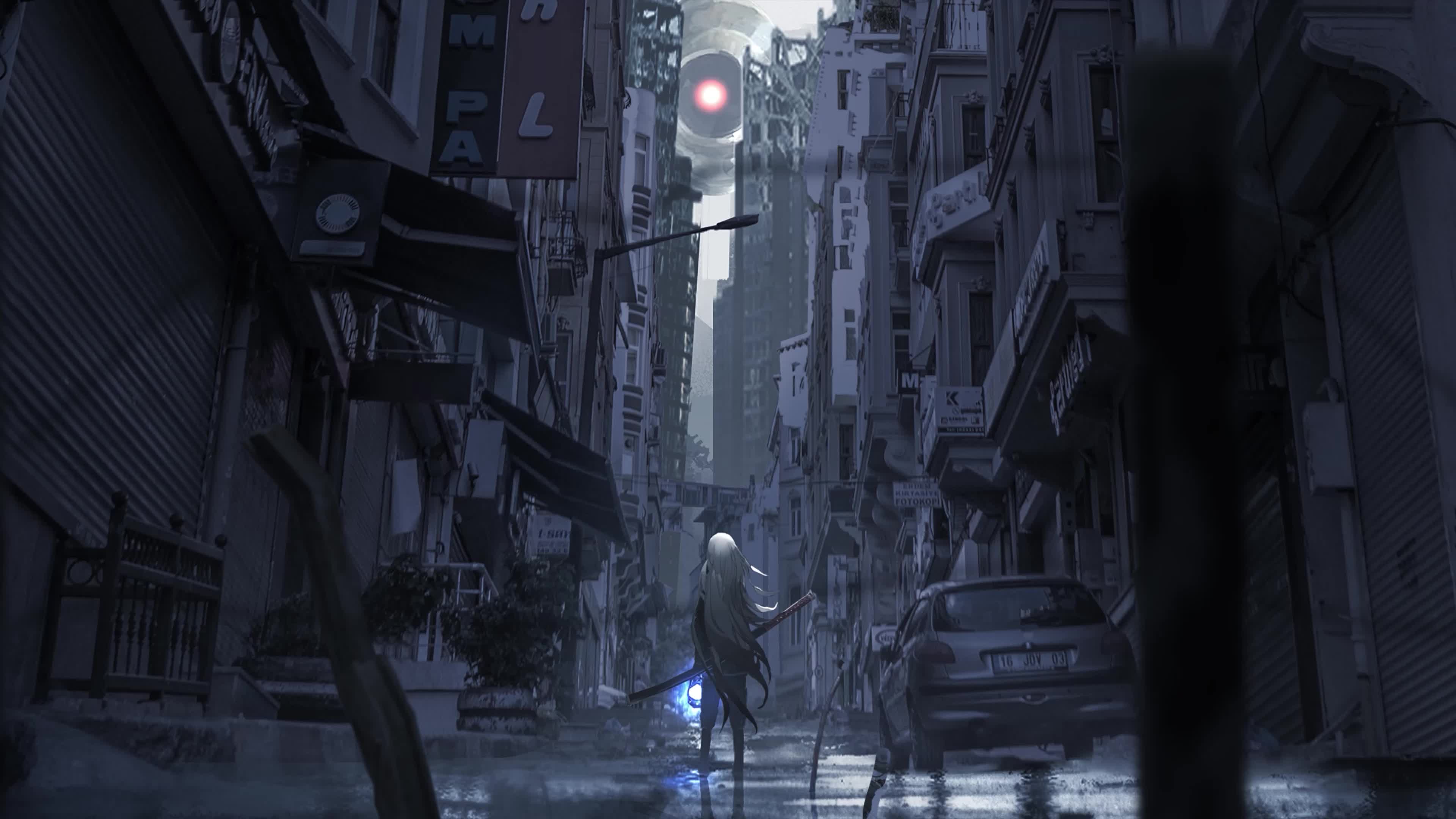
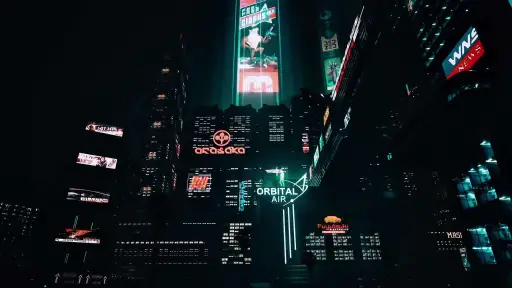
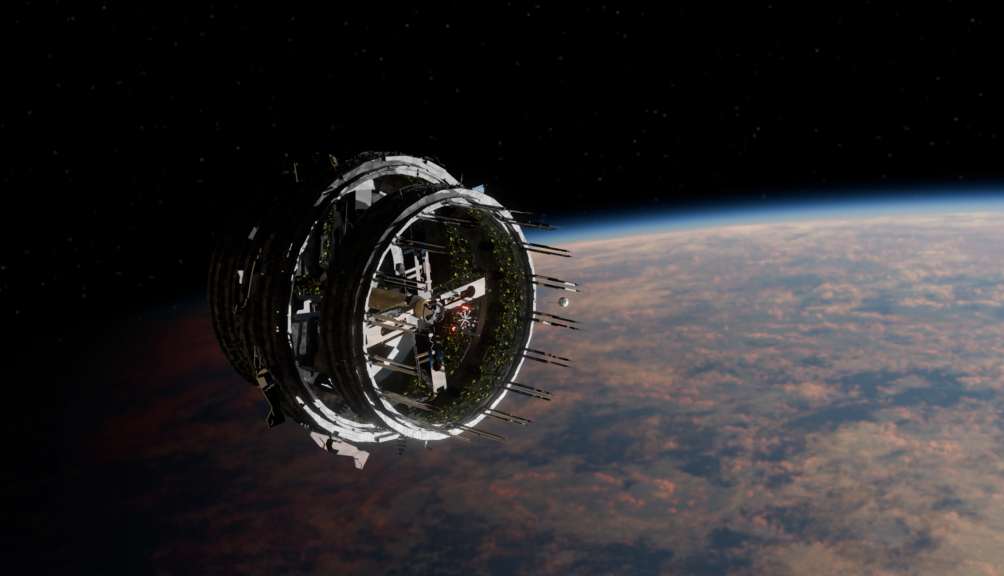
Pokemon: Giant Gengar City Live Wallpaper is a stunning computer and mobile background available in Anime > Sci-fi Fantasy category. The original resolution of the video is 2560x1440, with a file size of 57.69 MB.

Advertisement
100% Free Download No Sign-up Needed 2560x1440 Source 4,642+ Anime Wallpapers

Use Cases

This 2560x1440 Anime live wallpaper is free to download, no sign-up required. It's one of 4,642+ Anime wallpapers on DesktopHut, picked for:

Anime desktop or gaming PC wallpaper
4K and ultra-wide monitor
Large TV or digital signage
Anime streaming or overlay panel
Anime YouTube or Twitch background
Wallpaper Engine or Lively
Video editing B-roll
Anime presentation or event backdrop

Compatibility

Delivered as a standard MP4 video at 2560x1440 — playable on any device or app below, no conversion needed.

Windows 10 / 11 Wallpaper Engine, Lively Wallpaper, VLC
macOS 12 Monterey+ IINA, QuickTime, Wallpaper app
Linux Ubuntu 20.04+ VLC, mpv, Komorebi
Android 6.0+ Video wallpaper apps
Smart TV / Fire TV USB or streaming playback

How to Use

1

Click the Download button above to save the 57.69 MB MP4 file — free, no sign-up.

2

On Windows: install Wallpaper Engine or the free Lively Wallpaper app, then drag-and-drop the file in.

3

On macOS: use the free IINA player or any wallpaper app from the App Store.

4

For Wallpaper Engine users: add to your library and enable "Loop" and "Mute" in the properties — it plays natively at 2560x1440.