Into the Spider-Verse Team
Next wallpaperInto the Spider-Verse Team Live Wallpaper is a Wallpaper Engine scene wallpaper available in Comics category. It renders at 3840x2160, with a download size of 23.51 MB. This is not a video — it works only with Wallpaper Engine or the latest DesktopHut 12.1.0. The player above shows a preview.
An inspiring wallpaper featuring the beloved team of heroes from Into the Spider-Verse standing together along a high bridge. Miles Morales, Spider-Gwen, Spider-Man Noir, Spider-Ham, Peter B. Parker, and Peni Parker pose against a warm sunset cityscape background.
This vibrant and stylish animated desktop background brings the unique artistic flair of the movie directly to your screen. Perfect for fans of the multiverse adventure who want to personalize their PC setup.
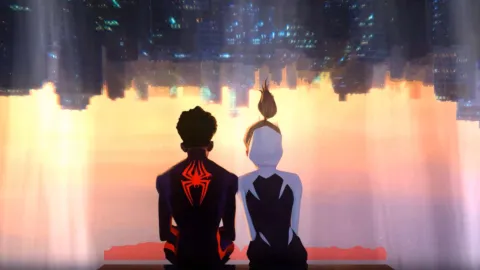 #1
Miles And Gwen Hanging Out
157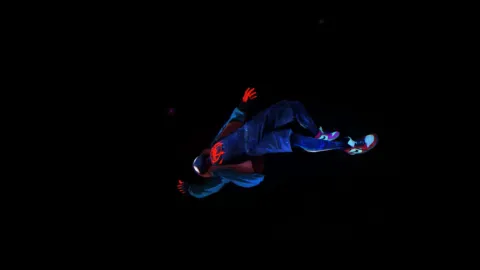 #2
Miles Morales Leap Of Faith
175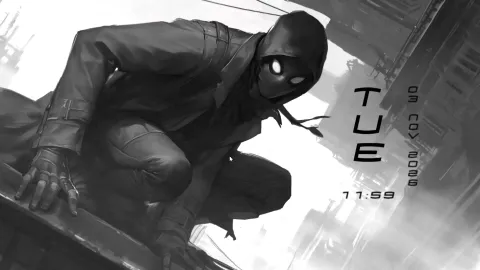 #3
Spider Man Noir
364 #4
The Incredible Hulk Rampage
202 #5
Gojo Satoru Reverse Cursed Technique
432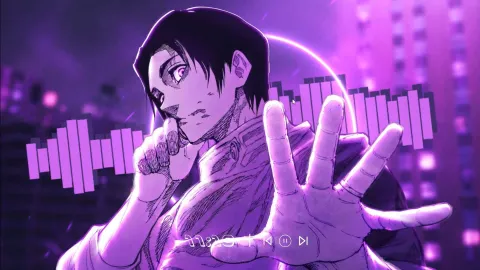 #6
Yuta Okkotsu Audio Reactive
338 #7
Old Reactor Animated
218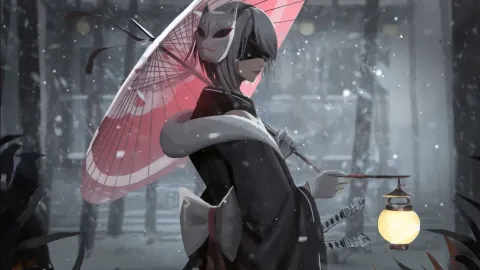 #8
Nier Automata 2B Winter Night
171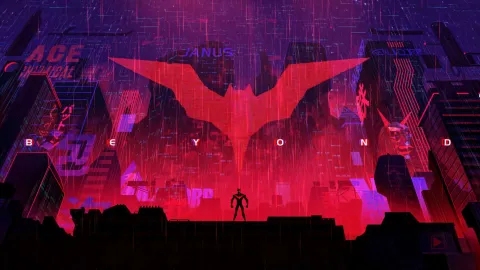 #9
Batman Beyond Cyberpunk City
140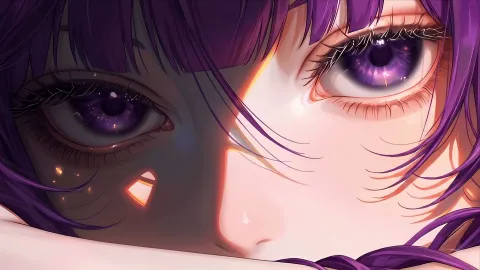 #10
Fern Sleeping Close Up
254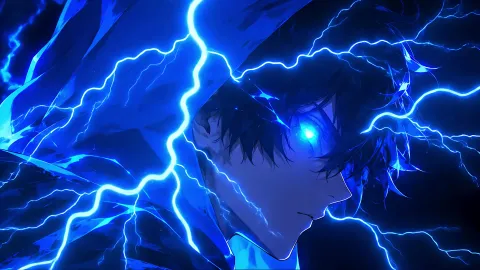 #11
Sung Jinwoo Electric Aura
211 #12
Monochrome Luffy One Piece
3 #13
Spider-Man: Gwen Stacy
1.6K #14
Spiderman Miles Lost in Space
67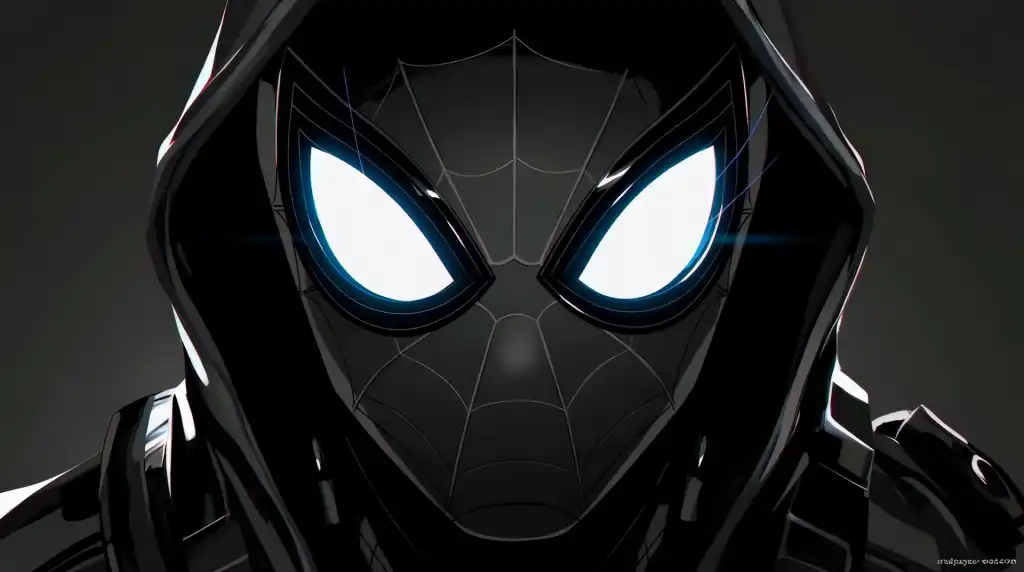 #15
Miles Morales Noir Black Spider-Man
4.0K #16
Spider-Man: Miles Morales
1.6KHow to Use
This is a Wallpaper Engine scene (.zip with scene.pkg). It works only with Wallpaper Engine or the latest DesktopHut 12.1.0 — not with video-wallpaper apps or players.
Click Download Original above and unzip the file.
Wallpaper Engine: open it, choose Open Wallpaper → Open from File and pick the project.json (or scene.pkg) from the unzipped folder.
DesktopHut: update to version 12.1.0 or newer, then open the downloaded scene in the app and set it as your wallpaper.