About Helios — Interactive Solar System Live Wallpaper
Helios — InteractiveSolarSystem Live Wallpaper is an interactive live wallpaper available in Sci-fi Fantasy category, with a download size of 13.58 MB.
This is not a video — it's a self-contained interactive HTML package (.zip) that runs live right in your browser, exactly as shown in the preview above.
Interactive Web wallpaper made with HTML, CSS and JavaScript.
No executable files. Fully offline after installation.
Helios — Interactive Solar System
Explore the Solar System directly from your desktop.
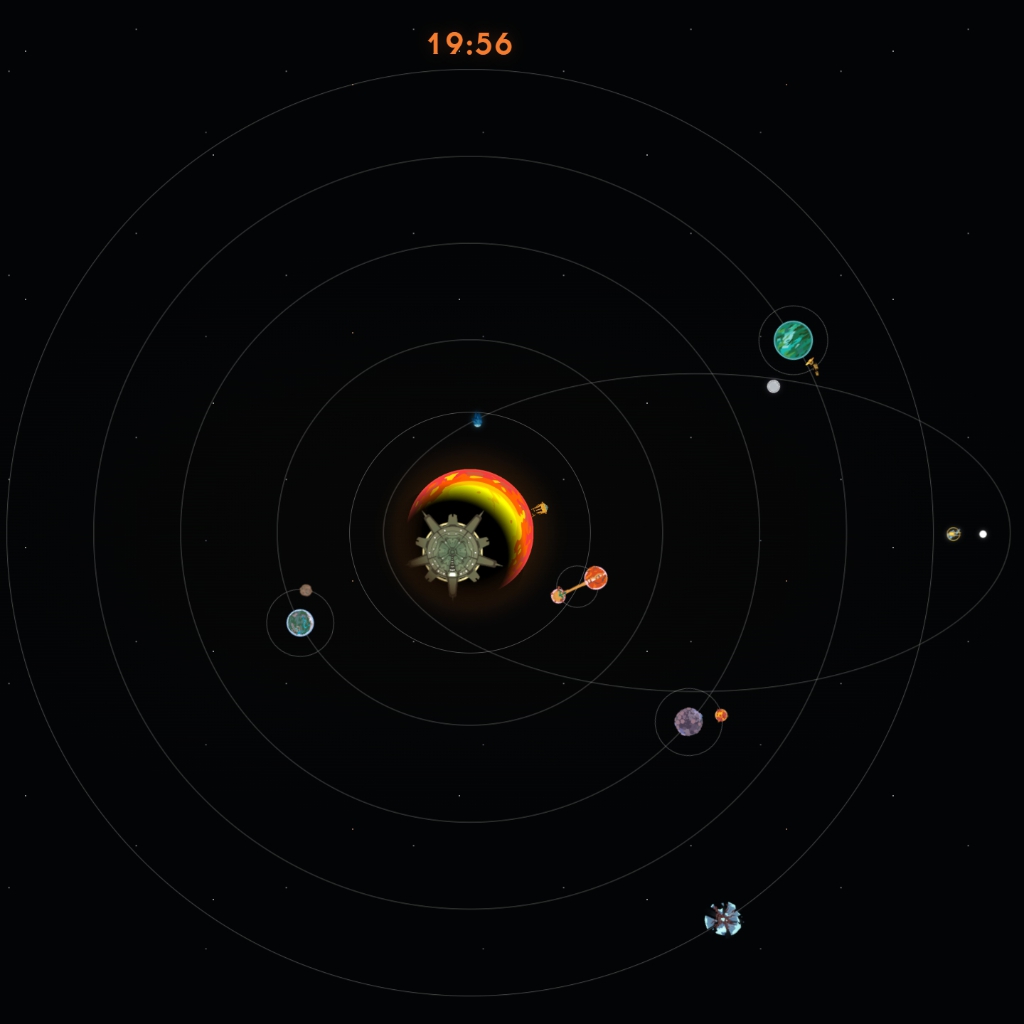
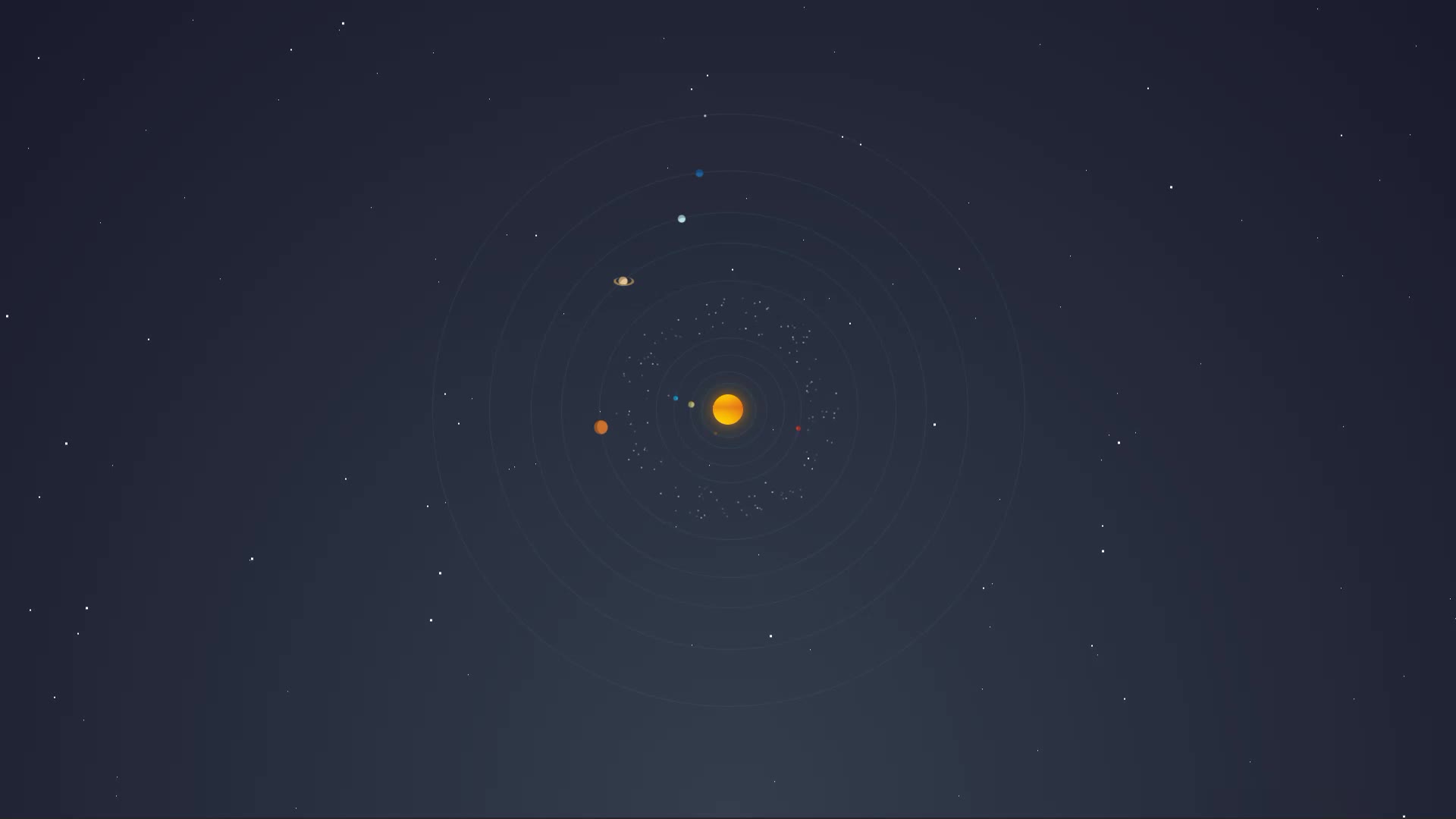
Helios is an interactive 3D map where planets move according to the selected date and time.
Rotate the system, arrange the planets in a fixed lineup, or open any celestial body for a closer look.
Discover notable locations, scientific events, moons and spacecraft.
When you simply want a beautiful background, enable Wallpaper Mode to leave only the planets,
orbital paths and optional desktop widgets on screen.
What you can do
Watch planetary positions change in real time
Travel to any planet or the Sun
Explore research points, moons and spacecraft
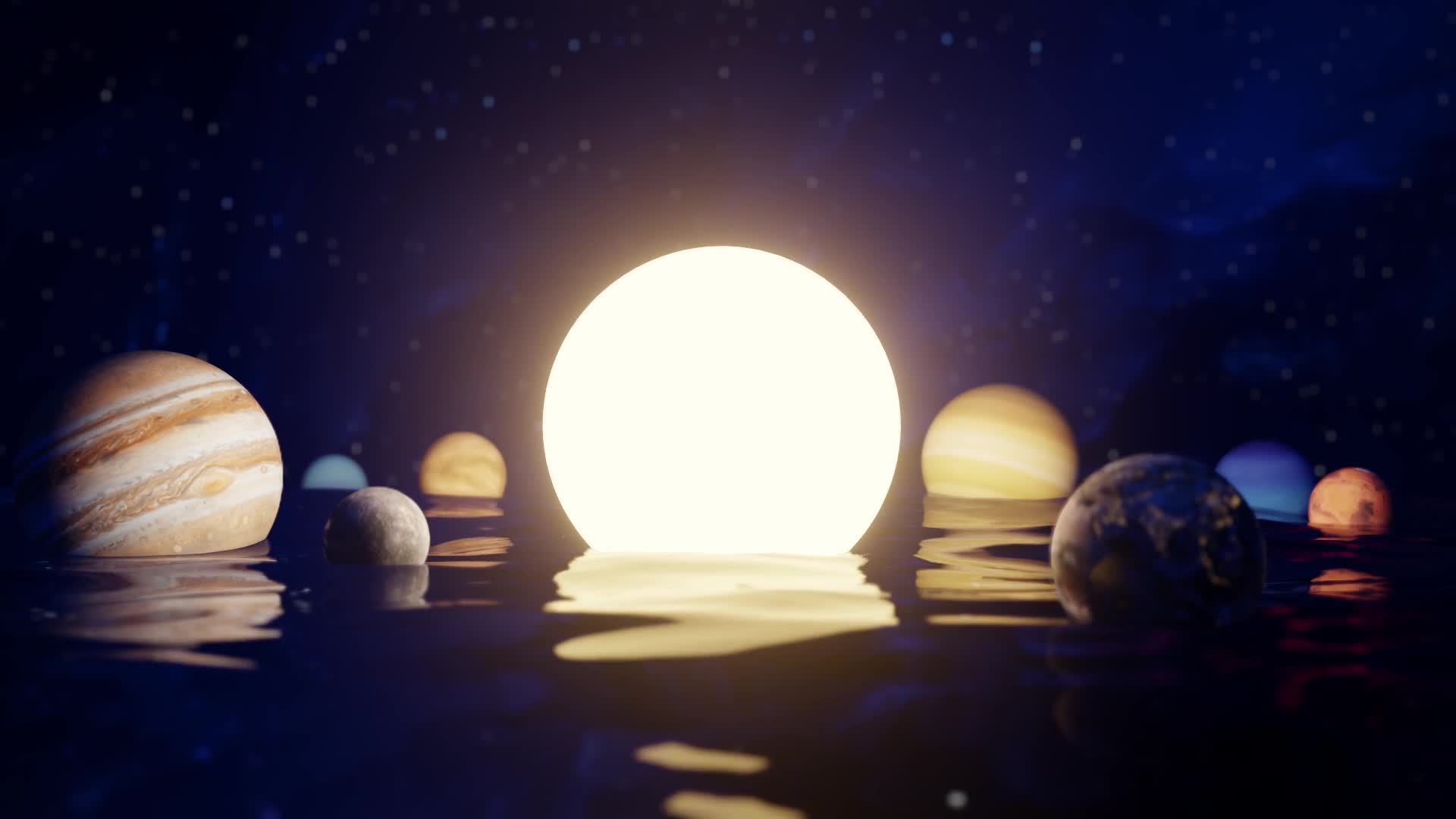
Switch between the orbital map and planet lineup
Enable clocks, timers and audio visualizers
Customize the gravity grid, interface color, quality and FPS
Lock camera rotation and planet transitions
Choose English, Russian, German or Spanish
Use the wallpaper completely offline after installation
Planet sizes, distances and some research-mode orbits are visually compressed to keep the Solar System clear and enjoyable to explore.
Positions are calculated from J2000 orbital elements and are intended for educational visualization—not spacecraft navigation.
How to set it
Unzip the package, or keep it as a single file if it came that way.
In Wallpaper Engine add it as a web wallpaper, or open it in Lively Wallpaper, then apply it. Full guide →
Questions
Is Helios — Interactive Solar System free to download?
Yes. Helios — Interactive Solar System is free to download on DesktopHut for personal use on your own desktop or phone. No account is needed.
Will an animated wallpaper slow down my PC?
Well optimized live wallpapers use little CPU and GPU. Lively Wallpaper and Wallpaper Engine can also pause the animation automatically when a game or fullscreen app is running, so it will not hurt your frame rate.
What resolution is Helios — Interactive Solar System?
Helios — Interactive Solar System is provided as Interactive, with a download size of 13.58 MB.
Interactive wallpaper — it plays live right here on this page. To use it as your desktop background, open the download in DesktopHut Studio, Wallpaper Engine or Lively Wallpaper.






Comments (0) — be the first to comment