
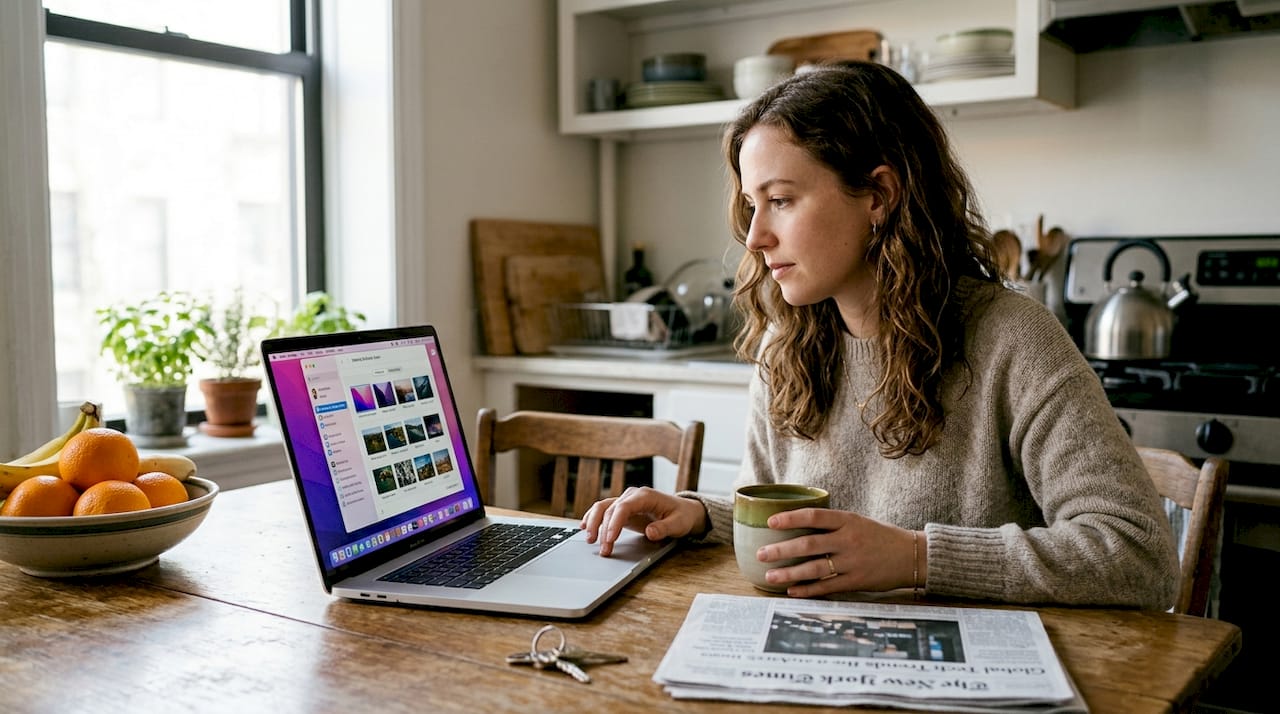
Your desktop or phone screen spends most of its life sitting idle, and a static image just sits there with it. Dynamic backgrounds change that completely. They shift with the time of day, react to system events, or loop through animated scenes that make your device feel alive. Whether you’re a gaming fan who wants a pulsing neon cityscape or an anime lover who wants cherry blossoms drifting across your screen, dynamic backgrounds deliver a visual experience that static wallpapers simply can’t match. This article covers what dynamic backgrounds are, how they work across devices, their real performance costs, and how to get the most out of them.
Table of Contents
- What is a dynamic background?
- How dynamic backgrounds work: Mechanics by device
- Performance and resource impact: Are dynamic backgrounds efficient?
- Pros, cons, and expert tips for dynamic backgrounds
- Applying dynamic backgrounds: Customization for aesthetic and engagement
- Enhance your digital experience with dynamic backgrounds
- Frequently asked questions
Key Takeaways
| Point | Details |
|---|---|
| Dynamic background defined | Dynamic backgrounds automatically change based on time, sensors, or events for increased visual interest. |
| Device mechanics vary | Desktop and mobile platforms use different methods, from image sequences to live animations, for dynamic wallpaper. |
| Efficiency is key | Native solutions are less resource-intensive than animated live wallpapers, especially at higher resolutions. |
| Customization options | Gaming and anime fans can find a wide range of dynamic backgrounds tailored to their aesthetic preferences. |
| Optimize for impact | Cap FPS and resolution, use battery saver modes, and opt for native wallpapers to avoid unnecessary performance drain. |
What is a dynamic background?
Most people assume their wallpaper is just a picture sitting behind their icons. That’s true for static wallpapers, but dynamic backgrounds operate on a completely different level. A dynamic background changes automatically over time, responding to triggers like the time of day, your location, the weather, or system events. The result is a background that feels contextual and alive rather than frozen.
There are three main varieties worth knowing:
- Dynamic wallpaper: A sequence of images (often HEIC format on macOS) that swap based on time or location. The sky looks like dawn at 6 AM and deep night at midnight.
- Live wallpaper: A looping animation or short video clip that plays continuously in the background. Common on Android and iOS.
- Animated background: A rendered scene, often using WebGL or particle systems, that reacts to mouse movement or audio. Popular on Windows via apps like Wallpaper Engine.
The key difference between a dynamic wallpaper and a video wallpaper is resource usage. Dynamic wallpapers swap still images on a schedule, which is extremely lightweight. Video or animated backgrounds render frames continuously, which costs more processing power. You can explore macOS dynamic wallpaper options to see how image-sequence wallpapers look in practice.
“A dynamic background is not just decoration. It’s a system-aware layer that reflects the state of your environment, from the angle of the sun to the current weather outside your window.”
For a hands-on setup walkthrough, the macOS dynamic desktop instructions walk you through enabling time-based wallpapers on macOS 15.
How dynamic backgrounds work: Mechanics by device
Every major operating system handles dynamic backgrounds differently, and understanding those differences helps you pick the right approach for your setup.
| Platform | Method | Engine | Trigger |
|---|---|---|---|
| macOS | HEIC image sequences | Core Animation | Time of day, location |
| Windows | MP4, WebGL, or shader rendering | Third-party apps | App-driven, always-on |
| Android | Service-based rendering | Native or third-party | Sensors, time, weather |
| iOS | Depth effect, Live Photos | Native OS | Touch, parallax, time |
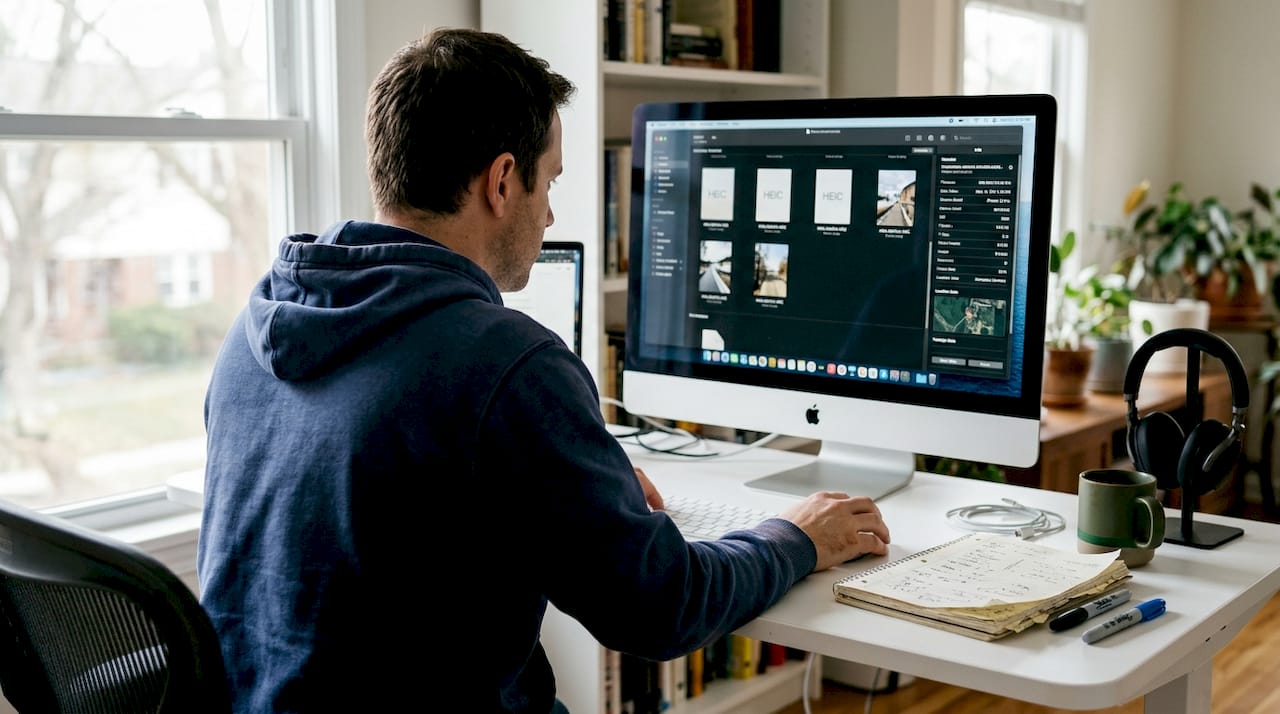
On macOS, the system reads metadata embedded in an HEIC file to determine which image in the sequence to display based on solar position. It’s elegant and nearly invisible in terms of CPU load. Windows doesn’t have a native equivalent, so tools like WinDynamicDesktop or Wallpaper Engine fill the gap. WinDynamicDesktop brings macOS-style time-based wallpapers to Windows users without the heavy rendering overhead of full animation engines.
Android live wallpapers run as background services, which means they draw power even when the screen is on standby. iOS keeps things tighter with depth effects and parallax, which are low-impact by design. For Android users who want a smooth experience, the Android dynamic wallpaper guide covers time-based automation options that don’t require a live wallpaper service running constantly.
If you’re on Windows and want to try animated options without heavy setup, live wallpapers for Windows through tools like Lively Wallpaper are a great starting point. Something like this animated green leaves wallpaper shows how a subtle looping animation can add depth without being distracting.
Pro Tip: On Windows, set your animated wallpaper to pause automatically when you launch a fullscreen app or game. Most wallpaper engines support this natively, and it eliminates any performance overlap during gaming sessions.
Performance and resource impact: Are dynamic backgrounds efficient?
This is the question most people skip until their laptop fan starts spinning. The honest answer is that it depends heavily on the type of dynamic background you’re running.
Native dynamic backgrounds add minimal overhead, while animated and live wallpaper engines carry a noticeably higher cost. Here’s what the numbers actually look like:
| Background type | RAM usage | CPU usage | Battery impact |
|---|---|---|---|
| macOS native dynamic | 12 to 18 MB | Less than 1% | Negligible |
| Wallpaper Engine 4K at 30fps | 142 MB | 2 to 3% | +4.8% per hour |
| Android live wallpaper | Varies | Moderate | +3 to 7% drain |
| AI-generated animated | High | High | Up to +12% screen-on drain |
The numbers above make one thing clear: native dynamic wallpapers are the efficiency champions. They’re essentially just a scheduled image swap. Animated wallpapers, especially at 4K or 60fps, are a different story.
“High-resolution animated wallpapers running at 60fps on integrated GPUs can cause thermal throttling, raising device temperatures by 8 to 12 degrees Celsius and introducing noticeable app delays.”
Multi-monitor setups amplify the cost fast. Each additional display running an animated wallpaper can add roughly 210 MB of RAM usage. Older devices with limited RAM or integrated graphics feel this the most. The battery impact of animated backgrounds is real on laptops, so it’s worth factoring in if you’re away from a charger often.
For a lightweight animated option that won’t punish your hardware, check out animated wallpaper efficiency examples that are optimized for lower resource draw.
Key performance considerations:
- Resolution matters more than FPS for RAM usage on most systems
- Battery saver modes on Android and iOS automatically reduce wallpaper FPS to protect charge
- Thermal throttling is a real risk on thin laptops running 4K animated wallpapers
- Integrated GPUs struggle more than dedicated graphics cards with WebGL-based wallpapers
Pros, cons, and expert tips for dynamic backgrounds
Dynamic backgrounds aren’t a one-size-fits-all upgrade. They deliver real benefits, but they come with trade-offs that are worth knowing before you commit.
Benefits:
- Ambiance that shifts naturally with your day, making long work sessions feel less static
- Reduced decision fatigue since the background updates itself without any input from you
- Higher aesthetic satisfaction, especially for gaming and anime fans who want their setup to reflect their interests
- A sense of personalization that static wallpapers can’t replicate
Drawbacks:
- Battery drain on laptops and mobile devices, especially with animated options
- Performance overhead on older or lower-spec hardware
- Some animated wallpapers can be distracting during focused work
- Third-party apps required on Windows add setup complexity
The contrast between benefits and drawbacks is clearest on mobile: a beautiful live wallpaper can cut your screen-on battery life noticeably, while a native dynamic wallpaper barely registers.
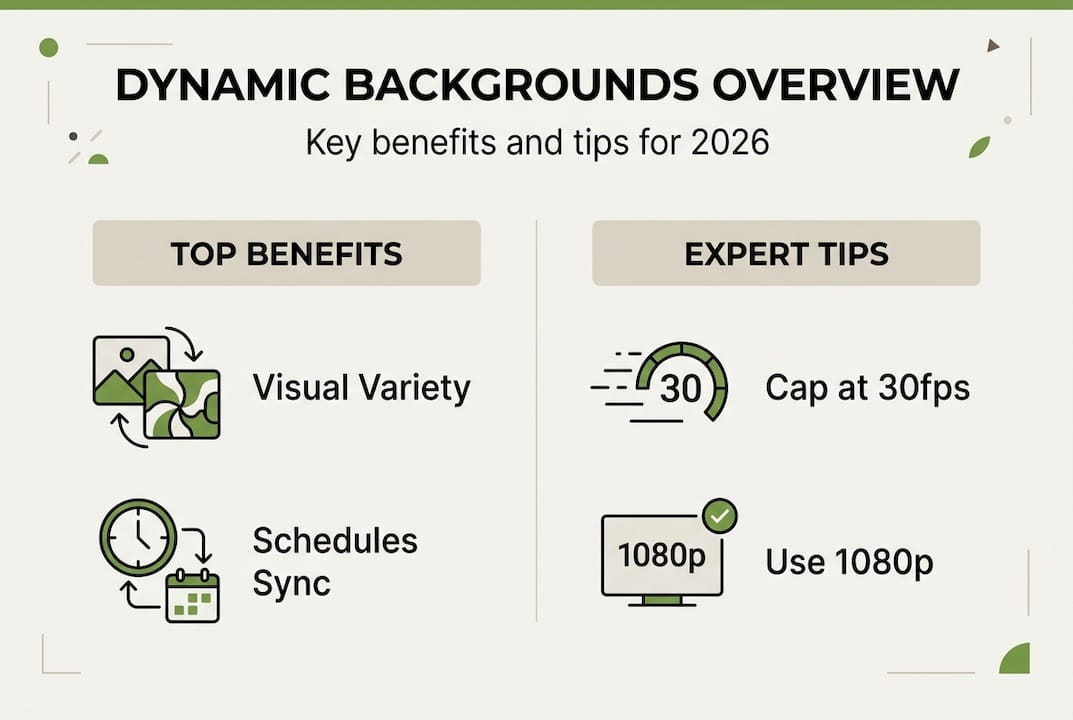
Pro Tip: For gaming and anime setups, cap your animated wallpaper at 30fps and use 1080p resolution on laptops. You get the full visual impact with roughly half the performance cost of running 4K at 60fps.
For anime fans specifically, options like anime live wallpapers and winter anime wallpaper deliver stunning visuals that are worth the small performance trade-off on a modern machine. On older devices, stick to native dynamic wallpapers or low-FPS loops.
For iPhone users, the dynamic iPhone wallpaper tips guide covers how to set time-based wallpapers that look great without draining your battery.
Statistic to keep in mind: Wallpaper Engine running at 4K and 30fps adds approximately 4.8% battery drain per hour. Dropping to 1080p cuts that figure significantly, making it a practical choice for laptop users who game on the go.
Applying dynamic backgrounds: Customization for aesthetic and engagement
Knowing the theory is one thing. Actually setting up a dynamic background that looks great and runs smoothly is another. Here’s a practical approach:
- Choose your platform method. On macOS, use the built-in Dynamic Desktop setting in System Preferences. On Windows, download a wallpaper engine or use WinDynamicDesktop for a lightweight option. On Android, long-press your home screen and select Live Wallpaper.
- Pick your category. Gaming wallpapers work best with subtle motion like particle effects or slow camera pans. Anime wallpapers shine with looping scenes that have depth and color. Nature and abstract styles suit productivity setups where you want ambiance without distraction.
- Set your resolution and FPS. Match your wallpaper resolution to your screen resolution. Don’t run 4K wallpapers on a 1080p monitor. Cap FPS at 30 for laptops and 60 only for desktop setups with dedicated GPUs.
- Enable pause on fullscreen. This is critical for gamers. Every major wallpaper app has this option. Turn it on.
- Test for 30 minutes. Check your CPU temperature and battery drain after a short session. If temperatures climb above normal or battery drops faster than expected, reduce resolution or FPS.
Android live wallpapers optimize via adaptive FPS and battery checks built into the OS, so Android users get some automatic protection. iOS depth effects are low impact unless you add interactive elements.
For visually striking options that are also well-optimized, the Unity 3D balance wallpaper and bubble particles live wallpaper are great examples of animated backgrounds that look impressive without being resource-heavy.
Pro Tip: If you’re building a gaming or anime-themed setup, layer your dynamic wallpaper choice with matching icon themes and accent colors. The cohesion between your wallpaper motion and your overall color scheme makes the whole setup feel intentional and polished.
Enhance your digital experience with dynamic backgrounds
If you’ve made it this far, you already know that dynamic backgrounds are more than a visual gimmick. They’re a practical upgrade to how your device looks and feels every day. The challenge is finding high-quality options that are optimized for your specific device and aesthetic.
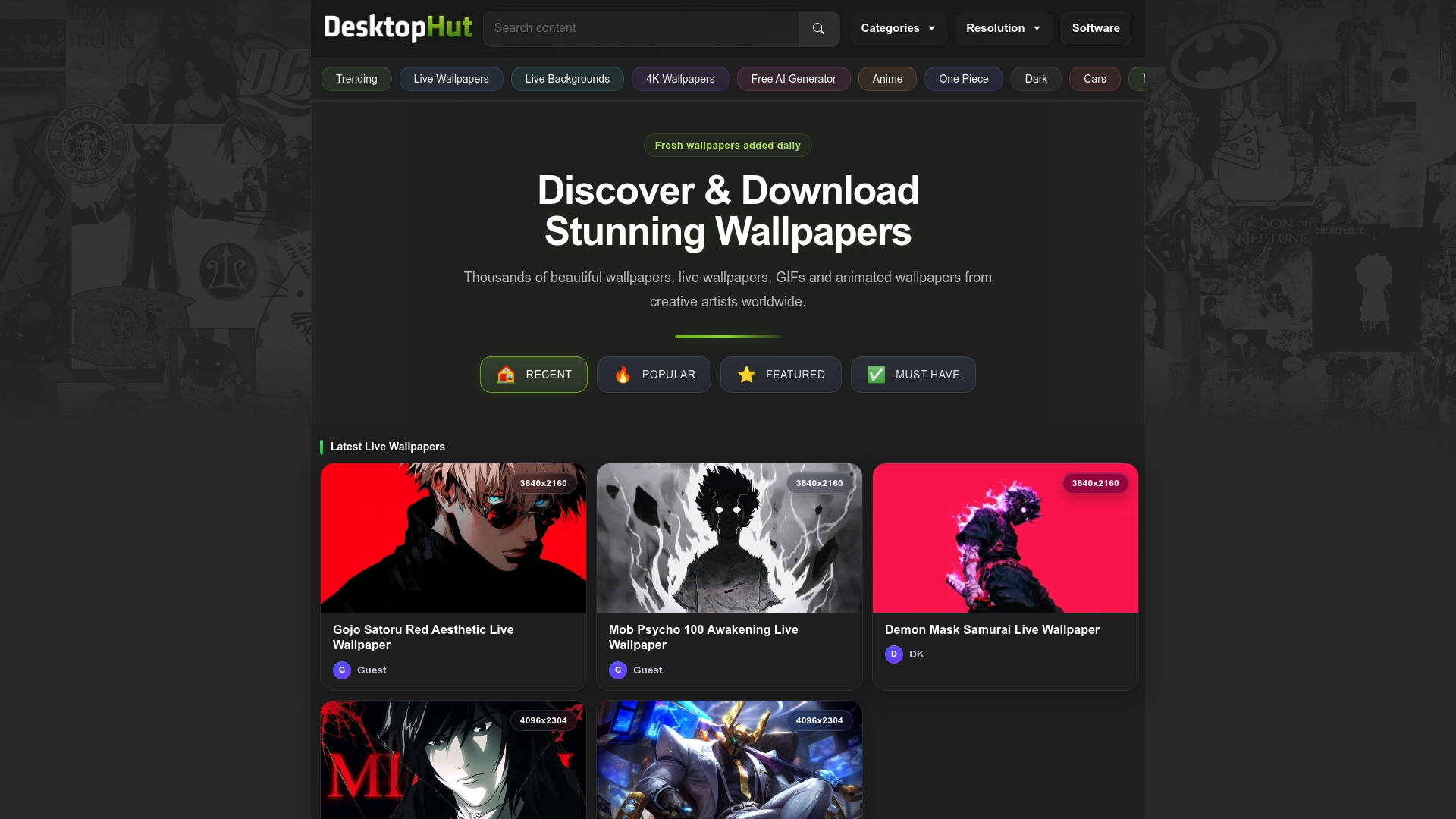
DesktopHut makes that easy. The platform hosts thousands of free 4K live wallpapers across gaming, anime, nature, abstract, and more, all updated daily so there’s always something new to explore. If you use Wallpaper Engine on Windows, the dedicated Wallpaper Engine downloads section has a curated library ready to install in minutes. Anime fans can browse directly to anime live wallpapers for 4K animated scenes that bring your favorite aesthetic to life. Every wallpaper is available in multiple resolutions, so you can match your screen without compromising on quality or performance.
Frequently asked questions
Do dynamic backgrounds affect device performance?
Native dynamic wallpapers add minimal overhead, using around 12 to 18 MB of RAM and less than 1% CPU on macOS, while animated options like Wallpaper Engine at 4K and 30fps use 142 MB RAM and add up to 4.8% battery drain per hour. The impact scales with resolution, FPS, and whether you’re using a dedicated or integrated GPU.
Can I use dynamic backgrounds on older devices?
Yes, but keep expectations realistic. High-res animated wallpapers on integrated GPUs can raise device temperatures by 8 to 12 degrees Celsius and cause app delays, so stick to native dynamic wallpapers or low-FPS loops on older hardware.
How do I optimize dynamic backgrounds for battery and performance?
Use native dynamic wallpapers when possible, cap animated wallpapers at 30fps and 1080p on laptops, and always enable the pause-on-fullscreen setting in your wallpaper app to avoid performance overlap during gaming or intensive tasks.
Are dynamic backgrounds available for both desktop and mobile?
Yes. macOS, Windows, Android, and iOS all support dynamic or live wallpapers, though the methods differ. macOS uses HEIC sequences, Windows relies on third-party apps, and Android and iOS use service-based or native depth rendering with sensor integration.