
TaskbarSkinner
Bring your taskbar to life with animated backgrounds, a reactive audio visualizer, and a customizable CPU pet. Your desktop, your rules.
Download TaskbarSkinnerDynamic Features
Animated Backgrounds
Set any GIF or image as your taskbar background. Control its position, opacity, and display style for the perfect look.
Audio Visualizer
Watch your taskbar react to any sound on your PC. Choose from multiple themes like Wave, Dots, Mirror, and more.
CPU Pet
An animated pet lives in your system tray, with its animation speed tied directly to your computer's CPU usage.
Taskbar Backgrounds
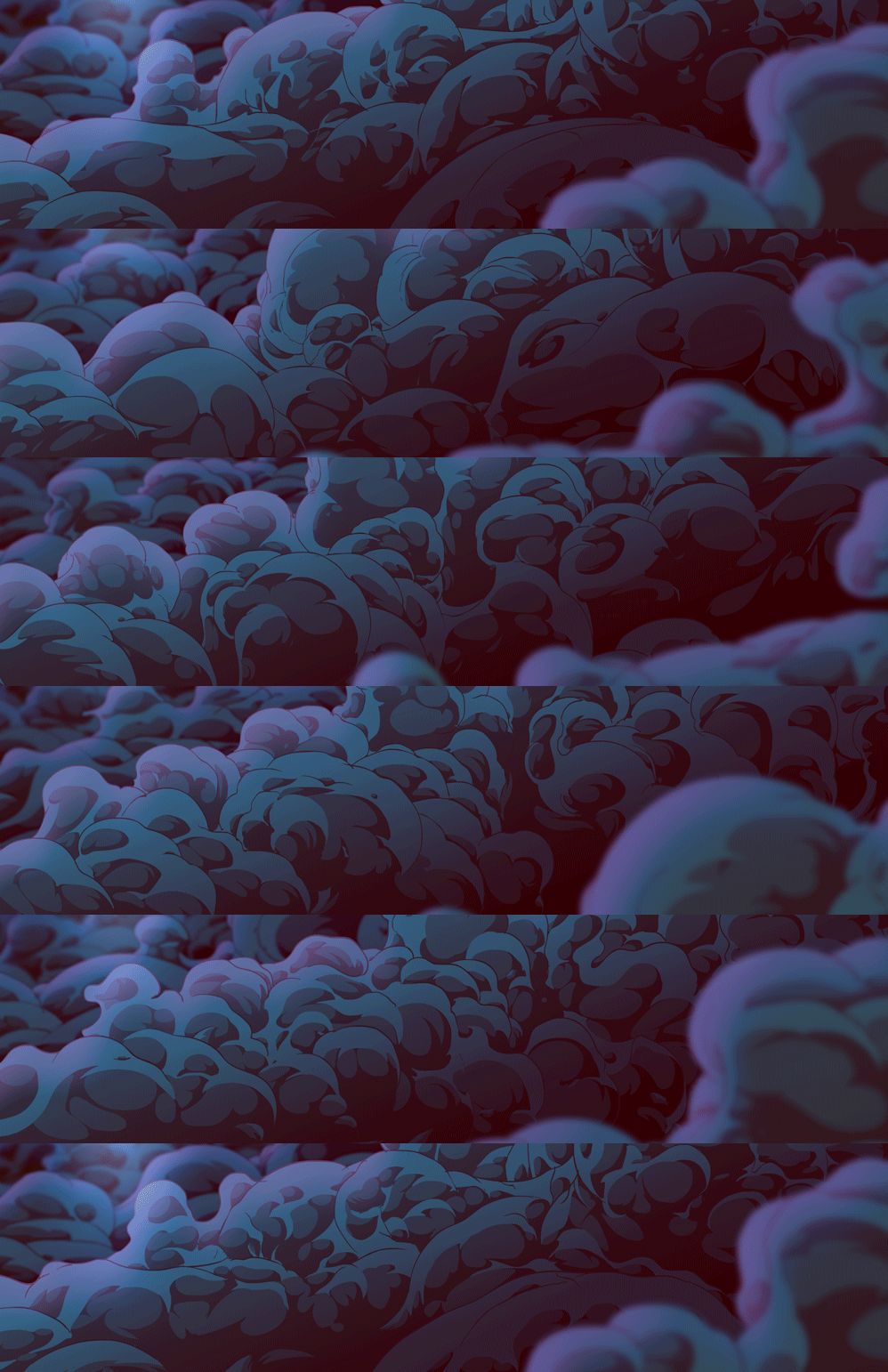
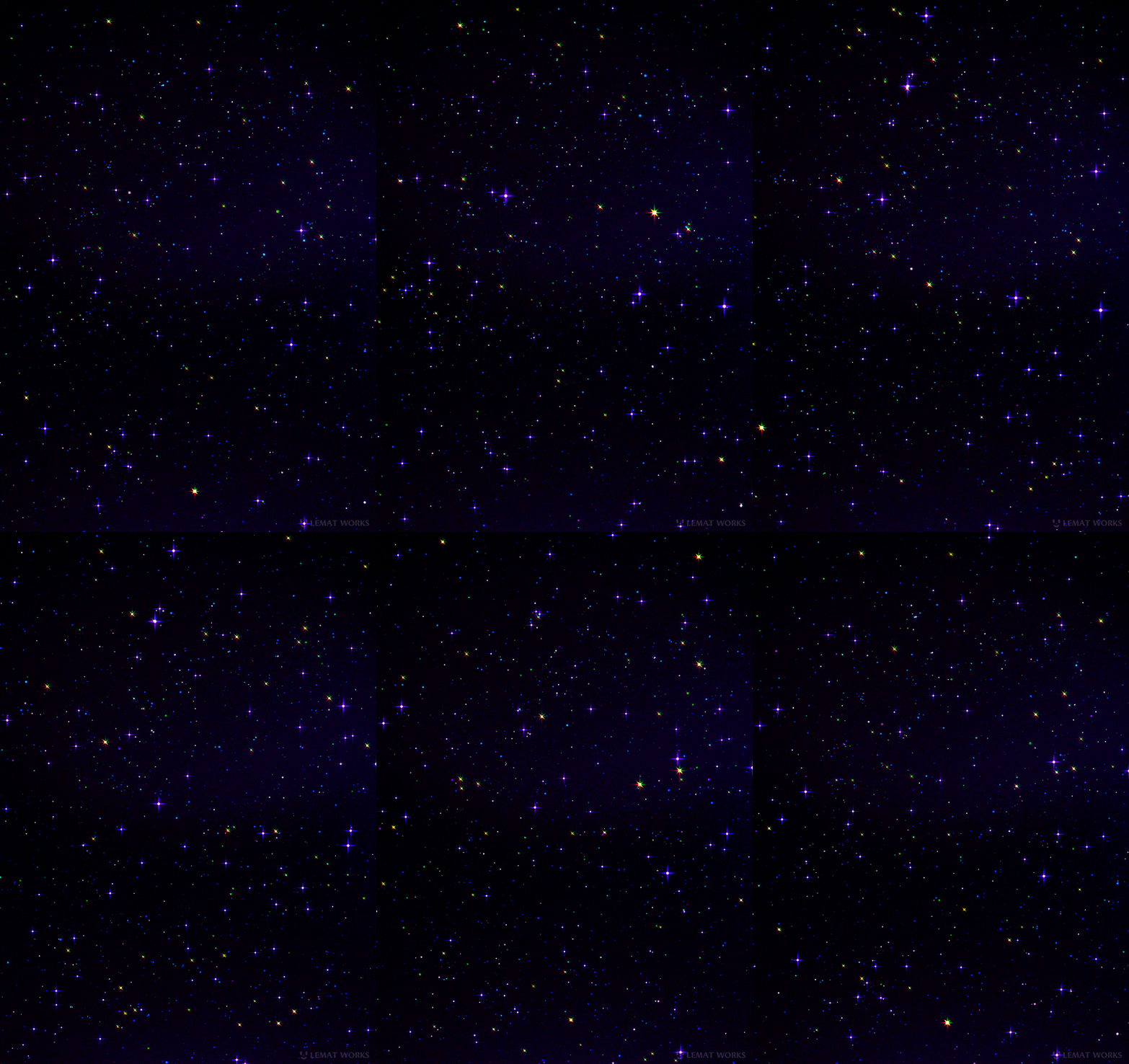






Simple Setup
Run the App
TaskbarSkinner is fully portable. Just run the .exe file. Right-click the new icon in your system tray and choose "Settings".
Choose a Background
In the "Display" tab, click "Choose Background" and select a GIF or image file you've downloaded.
Customize Everything
Explore the tabs to enable the audio visualizer, activate the CPU pet, and fine-tune every setting to your liking.