Nissan Fairlady 240Z (Audio Responsive) Live Wallpaper
Next wallpaperNissan Fairlady 240Z (Audio Responsive) Live Wallpaper is a Wallpaper Engine scene wallpaper available in Car category. It renders at 3840x2160, with a download size of 19.59 MB. This is not a video — it works only with Wallpaper Engine or the latest DesktopHut 12.1.0. The player above shows a preview.
Experience the sleek lines of a customized Nissan Fairlady 240Z cruising through a rainy city night. The dark aesthetic is contrasted by glowing pink taillights and atmospheric neon highlights, creating a moody and immersive driving scene.
This audio-responsive animated live wallpaper is perfect for automotive enthusiasts and fans of Japanese classic cars looking to customize their desktop or mobile background with a stylish ride.
 #1
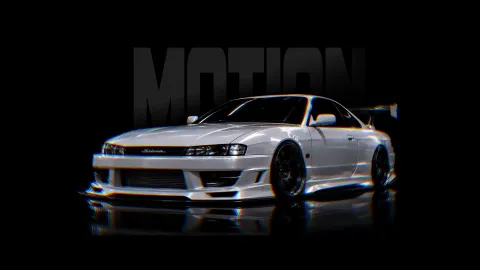
JDM Nissan Silvia S14
7.4K #2
Batman Beyond Cyberpunk City
4.0K #3
Nissan Silvia S14 Rear View
11.2K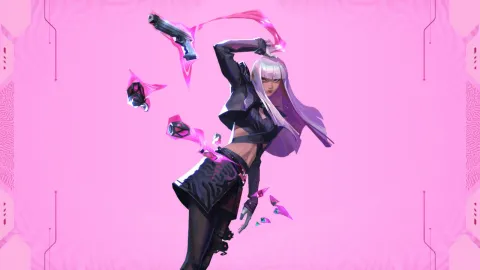 #4
Hush Valorant Agent
6.4K #5
Autumn Night Drive by Castle
4.3K #6
Cyberpunk 2077 Game Background
4.6K #7
Scarlet Silk Katana
8.6K #8
Yuta Okkotsu Audio Reactive
9.5K #9
Avoiex In The Sleet
4.1K #10
Killua Zoldyck Starlit Sky
4.7K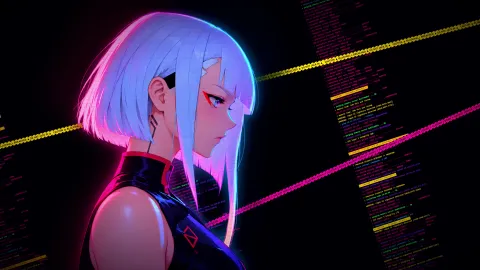 #11
Lucy Blackwall Breach
4.2K #12
Ender Silver Wolf
2.2K #13
Spider Man Symbiote Suit (Reacts to Mouse)
457 #14
Samurai Under Red Moon
23.8K #15
Phantom Blade Zero
12.4K #16
Gojo Satoru Reverse Cursed Technique
13.7KHow to Use
This is a Wallpaper Engine scene (.zip with scene.pkg). It works only with Wallpaper Engine or the latest DesktopHut 12.1.0 — not with video-wallpaper apps or players.
Click Download Original above and unzip the file.
Wallpaper Engine: open it, choose Open Wallpaper → Open from File and pick the project.json (or scene.pkg) from the unzipped folder.
DesktopHut: update to version 12.1.0 or newer, then open the downloaded scene in the app and set it as your wallpaper.