Cyberpunk 2077 Game Background
Next wallpaperCyberpunk 2077 Game Background Live Wallpaper is a Wallpaper Engine scene wallpaper available in Games category. It renders at 3840x2160, with a download size of 13.34 MB. This is not a video — it works only with Wallpaper Engine or the latest DesktopHut 12.1.0. The player above shows a preview.
Immerse your desktop or phone in the futuristic world of Cyberpunk 2077 with this animated scene background. The iconic logo glows vibrantly against a dark, tech-inspired backdrop featuring sharp geometric frames and glowing neon accents.
With its striking magenta and blue color palette, this high-energy wallpaper captures the rebellious essence of the game. It makes a fantastic choice for fans looking to bring a stylish cyberpunk aesthetic to their daily screen setup.
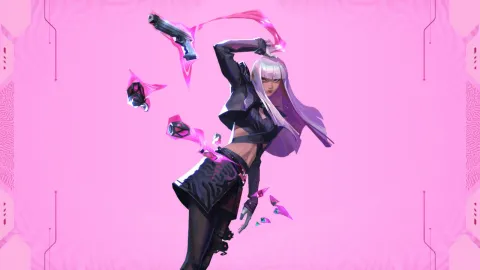 #1
Hush Valorant Agent
464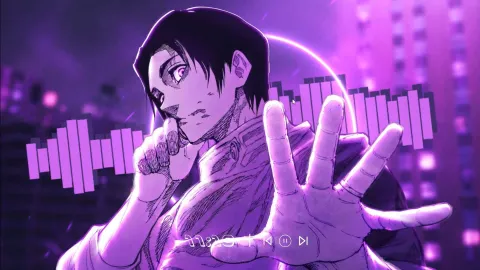 #2
Yuta Okkotsu Audio Reactive
881 #3
Old Reactor Animated
593 #4
Gojo Satoru Reverse Cursed Technique
1.3K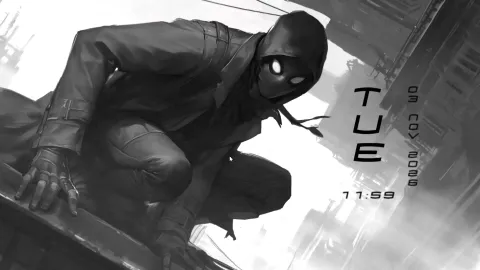 #5
Spider Man Noir
997 #6
Berserk Guts in Armor
592 #7
Killua Zoldyck Starlit Sky
390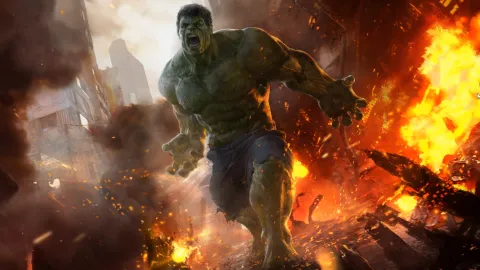 #8
The Incredible Hulk Rampage
507 #9
Miles Morales Leap Of Faith
489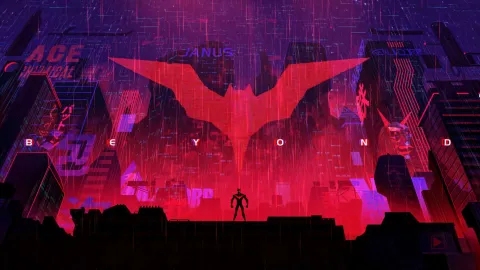 #10
Batman Beyond Cyberpunk City
387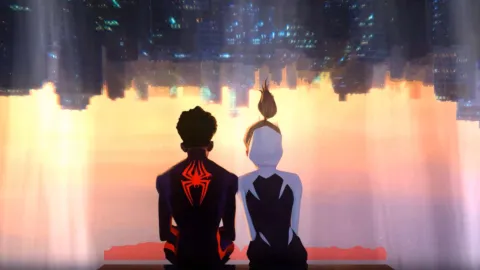 #11
Miles And Gwen Hanging Out
457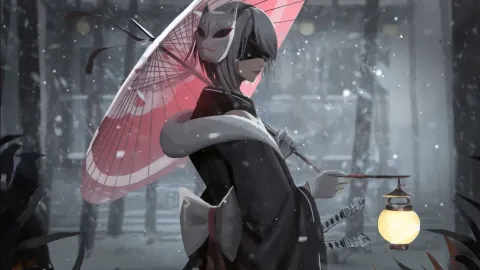 #12
Nier Automata 2B Winter Night
376 #13
Into the Spider-Verse Team
423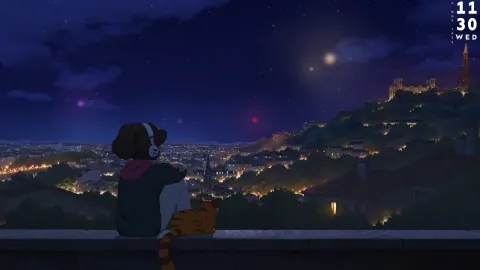 #14
Lofi Girl Summer Festival
11 #15
Dark Samurai Woman With Mask
7 #16
Agent Maomao The Apothecary Diaries
How to Use
This is a Wallpaper Engine scene (.zip with scene.pkg). It works only with Wallpaper Engine or the latest DesktopHut 12.1.0 — not with video-wallpaper apps or players.
Click Download Original above and unzip the file.
Wallpaper Engine: open it, choose Open Wallpaper → Open from File and pick the project.json (or scene.pkg) from the unzipped folder.
DesktopHut: update to version 12.1.0 or newer, then open the downloaded scene in the app and set it as your wallpaper.