Fast and Furious (All Cars - Interactive) Live Wallpaper
Next wallpaperFast and Furious (All Cars - Interactive) Live Wallpaper is a Wallpaper Engine scene wallpaper available in Car category. It renders at 3840x2160, with a download size of 114.37 MB. This is not a video — it works only with Wallpaper Engine or the latest DesktopHut 12.1.0. The player above shows a preview.
This dynamic animated wallpaper features the iconic cars from the Fast and Furious franchise parked in a sleek, dimly lit studio setting. The cars showcases detailed tuning elements, carbon fiber accents, and striking vertical color stripes in the background.
Ideal for car enthusiasts and fans of the film series, this high-octane scene adds a stylish and cinematic touch to your desktop or phone background.
 #1
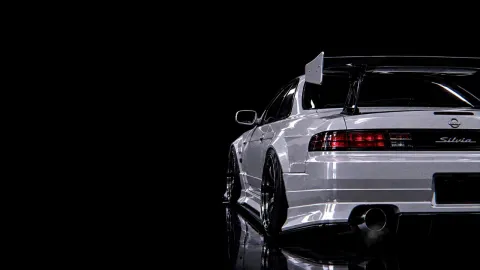
Nissan Silvia S14 Rear View
13.2K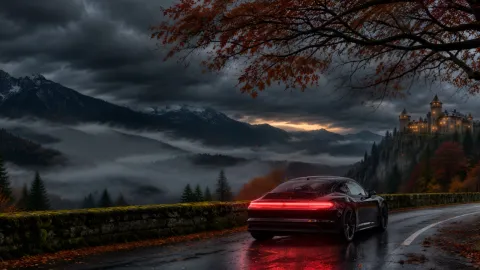 #2
Autumn Night Drive by Castle
5.1K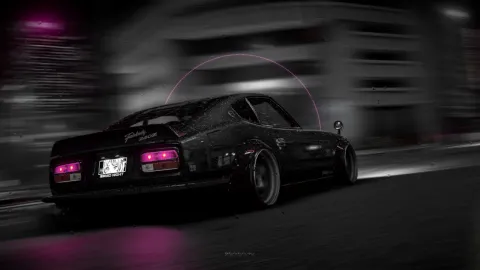 #3
Nissan Fairlady 240Z (Audio Responsive)
4.2K #4
The Incredible Hulk Rampage
5.0K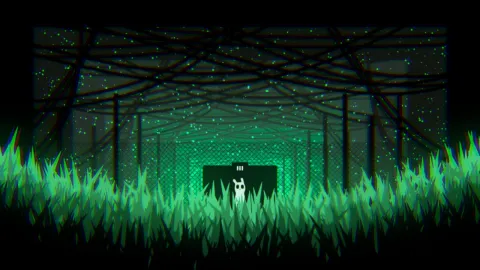 #5
Rain World Survivor
2.4K #6
Minimalist Space Window Animated Wallpaper
2.3K #7
Samurai Under Red Moon
27.1K #8
Gojo Satoru Reverse Cursed Technique
15.4K #9
Phantom Blade Zero
13.6K #10
Spider Man Noir
11.7K #11
Dark Samurai Woman With Mask
11.3K #12
Scarlet Silk Katana
10.3K #13
Yuta Okkotsu Audio Reactive
10.8K #14
Reze Say Cheese
10.0K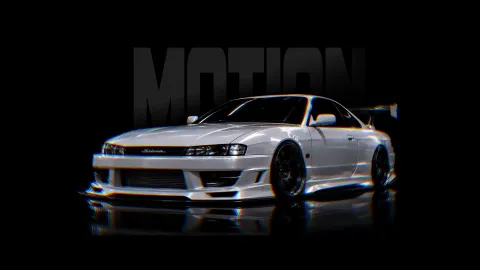 #15
JDM Nissan Silvia S14
9.5K #16
Street Corner Building
10.7KHow to Use
This is a Wallpaper Engine scene (.zip with scene.pkg). It works only with Wallpaper Engine or the latest DesktopHut 12.1.0 — not with video-wallpaper apps or players.
Click Download Original above and unzip the file.
Wallpaper Engine: open it, choose Open Wallpaper → Open from File and pick the project.json (or scene.pkg) from the unzipped folder.
DesktopHut: update to version 12.1.0 or newer, then open the downloaded scene in the app and set it as your wallpaper.