Submit a wallpaper
Trending Live Wallpapers Backgrounds 4K AI Generator Anime Gaming Dark Cars Nature Cyberpunk Space Naruto One Piece Anime Girl 1920×1080 Arcane
Home > Anime > Cyberpunk Kobeni: Glowing Katana Live Wallpaper

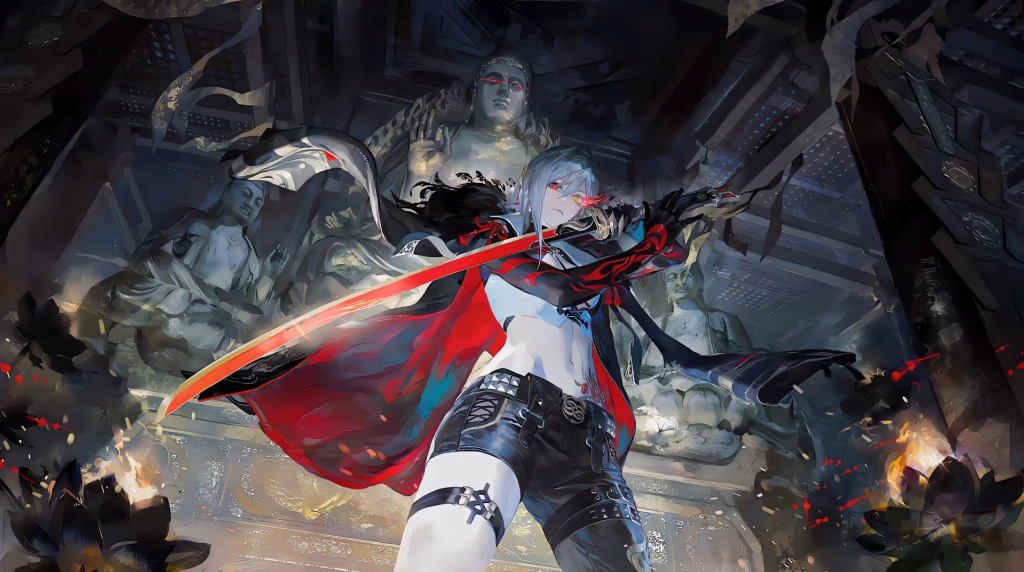
Cyberpunk Kobeni: Glowing Katana Live Wallpaper

0:00 0:00
Description
Anime

Cyberpunk Kobeni: Glowing Katana Live Wallpaper is a stunning computer and mobile background available in Anime category. The original resolution of the video is 4096x2304, with a file size of 33.05 MB.

A detailed cyberpunk-themed live wallpaper featuring a reimagined, battle-ready Kobeni Higashiyama from Chainsaw Man. Clad in a modern white and black outfit, she grips a glowing hot-pink katana blade with her sleek cybernetic left arm. Set against a dark, neon-lit alleyway background, her focused expression and battle scars offer a striking departure from her traditionally anxious character design.

DOWNLOAD
Wallspace for macOS
Instantly set this wallpaper directly in the Wallspace app.
One Game Launcher
One Game Launcher provides a centralized place for your game library easily accessible by gamepad or keyboard & mouse. OGL is available as the game bar widget (compact and desktop mode) and regular app from the start menu.
Remix Studio
Set on Browser Tab:

Use Cases

This 4096x2304 Anime video wallpaper is perfect for:

Desktop or gaming PC wallpaper
4K and ultra-wide monitor
Large TV or digital signage
Streaming or overlay panel
YouTube or Twitch background
Wallpaper Engine or Lively
Video editing B-roll
Presentation or event backdrop

Compatibility

This file uses the HEVC codec inside an MP4 container, ensuring maximum compatibility across all modern devices and operating systems.

Windows 10 / 11 Wallpaper Engine, Lively Wallpaper, VLC
macOS 12 Monterey+ IINA, QuickTime, Wallpaper app
Linux Ubuntu 20.04+ VLC, mpv, Komorebi
Android 6.0+ Video wallpaper apps
Smart TV / Fire TV USB or streaming playback

How to Use

1

Click the Download button above to save the video file.

2

On Windows: install Wallpaper Engine or the free Lively Wallpaper app, then drag-and-drop the file in.

3

On macOS: use the free IINA player or any wallpaper app from the App Store.

4

For Wallpaper Engine users: add to your library and enable "Loop" and "Mute" in the properties.