Windows: drop the file into Wallpaper Engine or the free Lively Wallpaper app.
Mac: use the Mac button under Download, or any wallpaper app.
Android: open the download menu (▾) and pick Download for Mobile. Full guide →
Questions
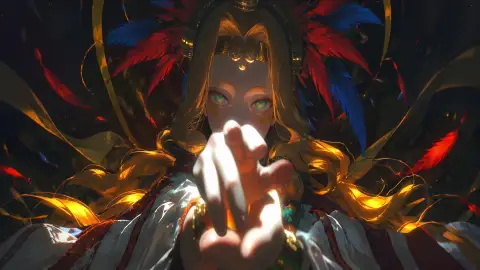
Is Live Phone Dark Light Girl Anime Wallpaper For iPhone And Android free to download?
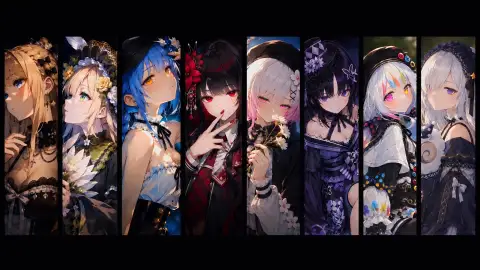
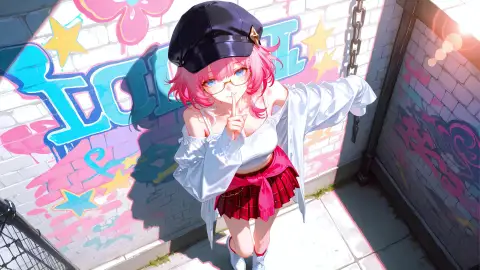
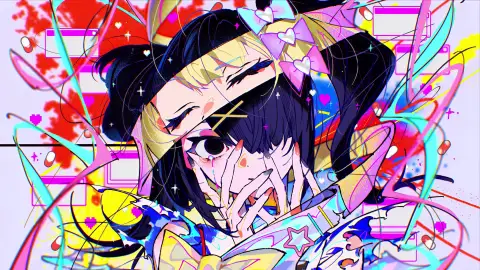
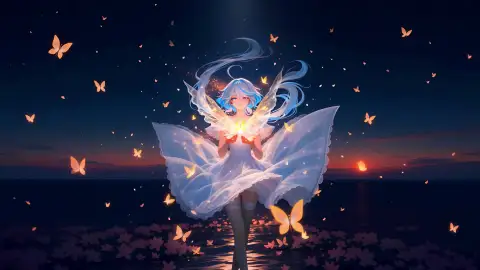
Yes. Live Phone Dark Light Girl Anime Wallpaper For iPhone And Android is free to download on DesktopHut for personal use on your own desktop or phone. No account is needed.
Will an animated wallpaper slow down my PC?
Well optimized live wallpapers use little CPU and GPU. Lively Wallpaper and Wallpaper Engine can also pause the animation automatically when a game or fullscreen app is running, so it will not hurt your frame rate.
Does it work on ultrawide screens?
It is a vertical 9:16 video made for phones and tablets. On a wide desktop screen it will be scaled and cropped to fill.
Instantly set this wallpaper directly in the Wallspace app.
One Game Launcher
One Game Launcher provides a centralized place for your game library easily accessible by gamepad or keyboard & mouse. OGL is available as the game bar widget (compact and desktop mode) and regular app from the start menu.

Comments (0) — be the first to comment