Modern Media Player Widget
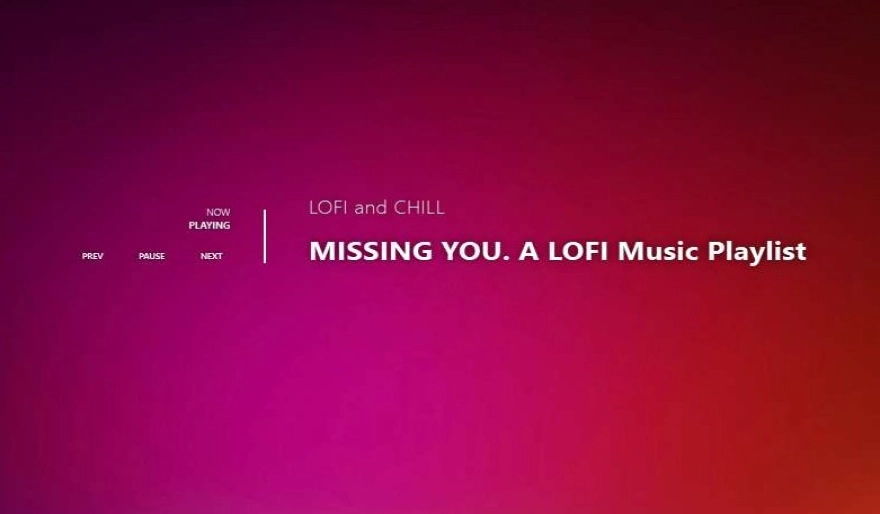
A stunning, transparent media controller for your desktop. Syncs automatically with Spotify, Chrome, and Windows Media to display your Now Playing status with an iOS-style aesthetic.
Key Features
Connects instantly to Windows API. Supports Spotify, YouTube (Chrome/Edge), Apple Music, and system media players automatically.
Right-click to access independent size sliders for Artist and Title text, opacity controls, and global scaling.
Drop your favorite .ttf files into the /fonts folder. The widget detects them instantly for a personalized look.
Long song titles or artist names automatically scroll (marquee style) so you never miss the details.
Features transparent backgrounds with text shadows and glow effects, ensuring readability on any wallpaper.
Includes Prev, Play/Pause, and Next buttons that update intelligently based on the current playback state.
Installation Guide
- Download the .zip package using the button below.
- Open the DesktopHut Application.
- Navigate to the "Widgets" tab on the left sidebar.
- Click the purple "+ Add Widget" button.
- Select the downloaded file to install. The widget will remember your position and settings automatically.