AurJas Audio Visualizer Widget
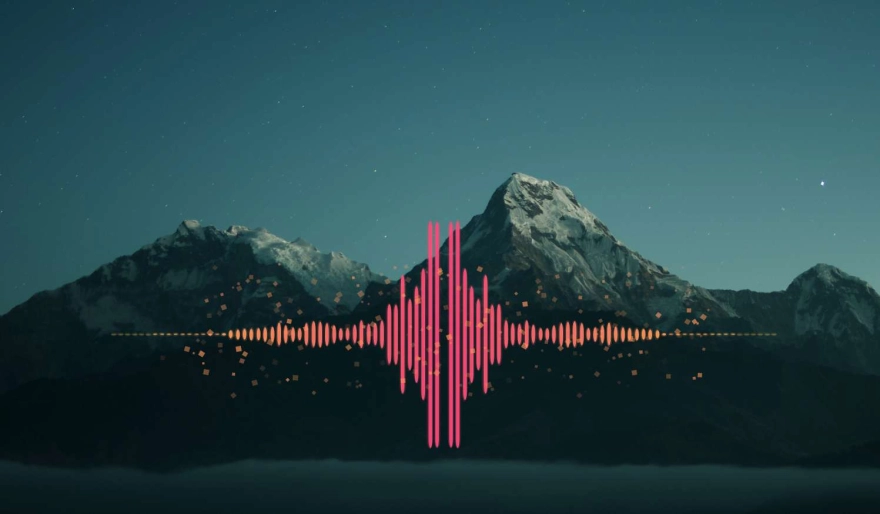
Transform your desktop into a modern music experience with the AurJas Audio Visualizer. Featuring neon themes, waveform modes, radial spectrum styles and real-time system audio capture — designed for performance and deep customization.
Key Features
Switch between Mirror Bars, Waveform, Bottom Equalizer, Radial Rings and Radial Spikes for completely different desktop aesthetics.
Includes Neon, Rainbow, Ice, Sunset and Mono themes with gradient intensity and glow customization for a premium look.
Visualizes your actual desktop audio output — music players, games, videos and streaming platforms — without using microphone input.
Optional glass-style background panel creates a modern floating widget appearance that blends perfectly with live wallpapers.
Automatically remembers widget position, size, theme settings and visualizer mode even after restarting DesktopHut or Windows.
Highly optimized rendering keeps CPU usage low while maintaining smooth 60–240 FPS animation.
Installation Guide
- Download the Widget Package (.zip) using the button below.
- Open the DesktopHut Application.
- Go to the "Widgets" tab.
- Click the purple "+ Add Widget" button.
- Select the downloaded package and click Play to launch the visualizer.