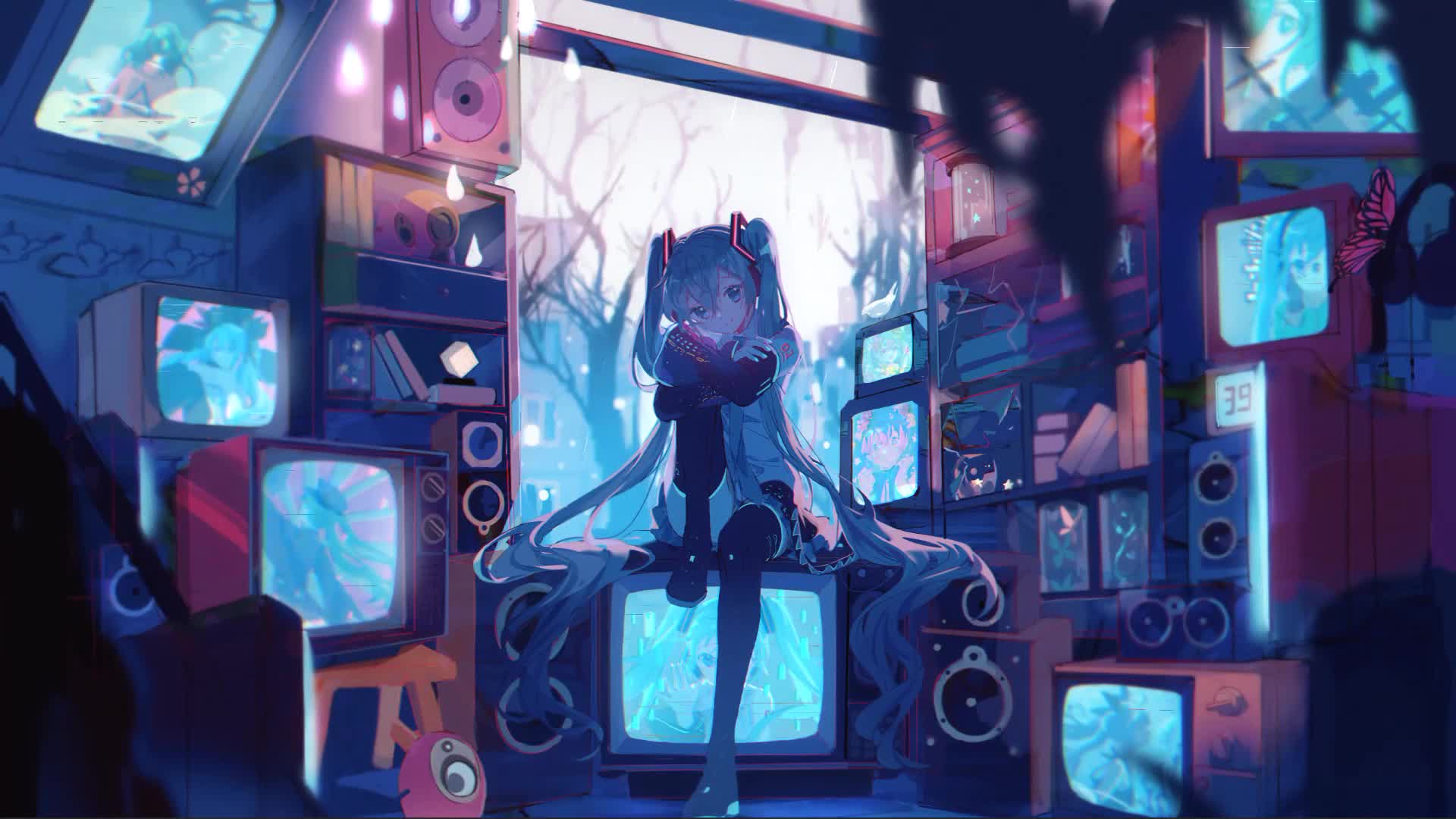
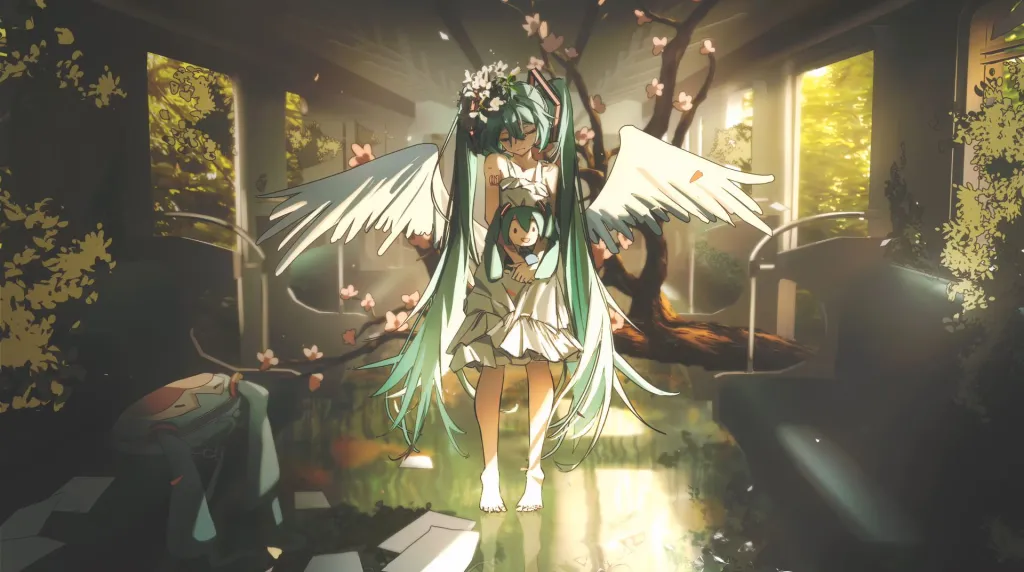
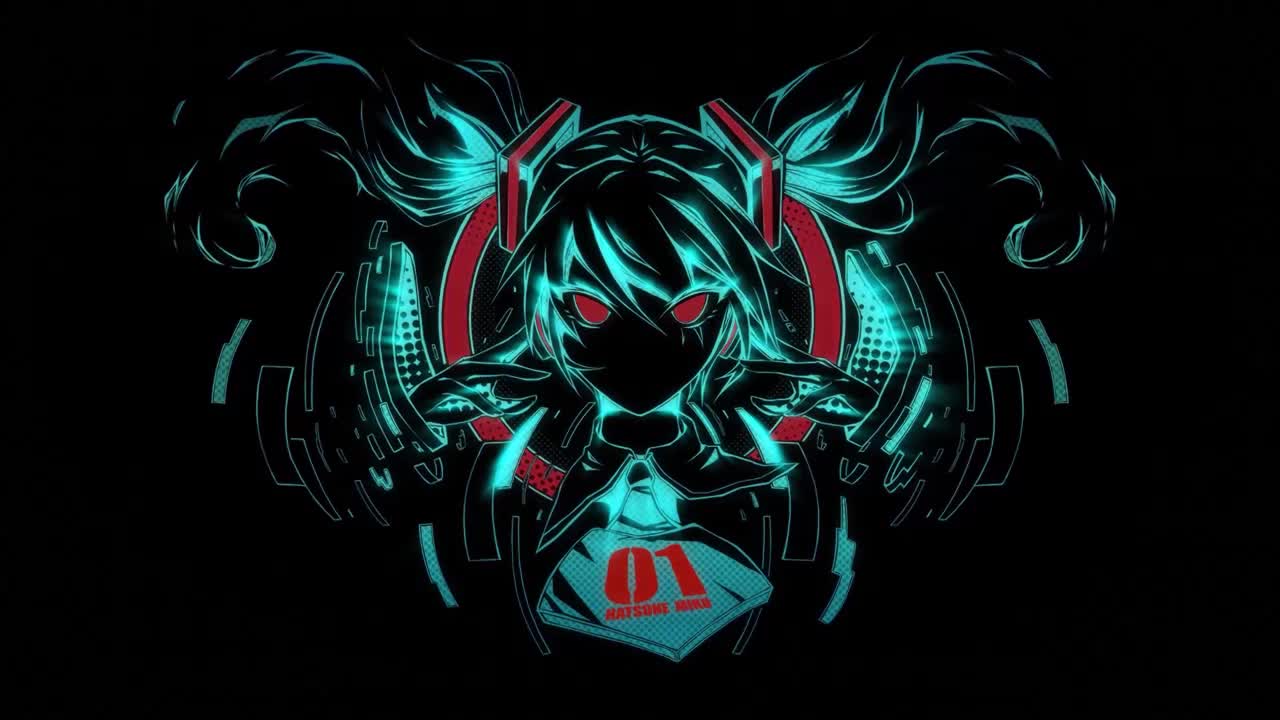
Hatsune Miku Live Wallpaper
Next wallpaper
0:00
0:00










Use Cases
This 3840x2160 Anime video wallpaper is perfect for:
Desktop or gaming PC wallpaper
4K and ultra-wide monitor
Large TV or digital signage
Streaming or overlay panel
YouTube or Twitch background
Wallpaper Engine or Lively
Video editing B-roll
Presentation or event backdrop
Compatibility
This file uses the HEVC codec inside an MP4 container, ensuring maximum compatibility across all modern devices and operating systems.
Windows 10 / 11
Wallpaper Engine, Lively Wallpaper, VLC
macOS 12 Monterey+
IINA, QuickTime, Wallpaper app
Linux Ubuntu 20.04+
VLC, mpv, Komorebi
Android 6.0+
Video wallpaper apps
Smart TV / Fire TV
USB or streaming playback
How to Use
1
Click the Download button above to save the video file.
2
On Windows: install Wallpaper Engine or the free Lively Wallpaper app, then drag-and-drop the file in.
3
On macOS: use the free IINA player or any wallpaper app from the App Store.
4
For Wallpaper Engine users: add to your library and enable "Loop" and "Mute" in the properties.