Golden Gate Bridge San Francisco Live Wallpaper
Next wallpaperGolden Gate Bridge San Francisco Live Wallpaper is a Wallpaper Engine scene wallpaper available in Landscape category. It renders at 3840x2160, with a download size of 1.3 MB. This is not a video — it works only with Wallpaper Engine or the latest DesktopHut 12.1.0. The player above shows a preview.
A scenic view of the iconic Golden Gate Bridge emerging from a sea of morning fog beneath a clear blue sky. The upper towers stand proudly above the cloud layer, creating a tranquil and majestic atmosphere for your desktop or phone background.
Featuring a clean digital clock display showing the day, time, and date, this animated scene adds a functional and elegant touch to your screen. Enjoy the peaceful movement of the San Francisco fog drifting past the famous red bridge.
 #1
Street Corner Building
4.6K #2
Old Reactor Animated
2.8K #3
Lofi Girl Summer Festival
1.1K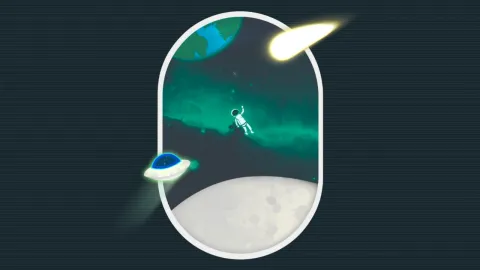 #4
Minimalist Space Window Animated Wallpaper
1.0K #5
Autumn Night Drive by Castle
9 #6
Samurai Under Red Moon
10.2K #7
Phantom Blade Zero
6.1K #8
Gojo Satoru Reverse Cursed Technique
6.9K #9
Dark Samurai Woman With Mask
4.4K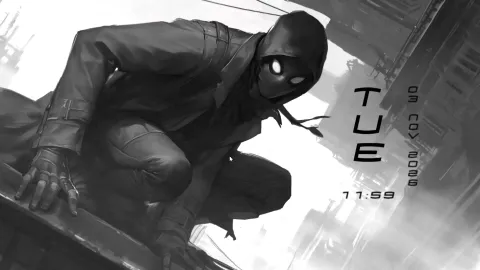 #10
Spider Man Noir
5.2K #11
Yuta Okkotsu Audio Reactive
4.7K #12
Berserk Guts in Armor
3.8K #13
Violet Evergarden Ruined City
3.3K #14
Miles And Gwen Hanging Out
2.9K #15
Killua Zoldyck Starlit Sky
2.4K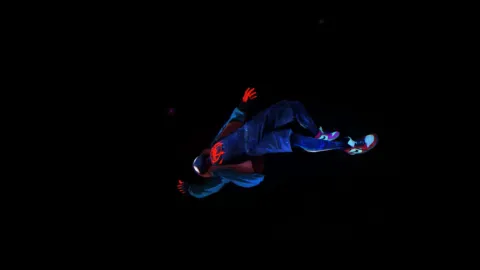 #16
Miles Morales Leap Of Faith
3.0KHow to Use
This is a Wallpaper Engine scene (.zip with scene.pkg). It works only with Wallpaper Engine or the latest DesktopHut 12.1.0 — not with video-wallpaper apps or players.
Click Download Original above and unzip the file.
Wallpaper Engine: open it, choose Open Wallpaper → Open from File and pick the project.json (or scene.pkg) from the unzipped folder.
DesktopHut: update to version 12.1.0 or newer, then open the downloaded scene in the app and set it as your wallpaper.