Submit a wallpaper
Trending Live Wallpapers Backgrounds 4K AI Generator Anime Gaming Dark Cars Nature Cyberpunk Space Naruto One Piece Anime Girl 1920×1080 Arcane
Home > Games > Vergil 4K Live Wallpaper | Devil May Cry 5

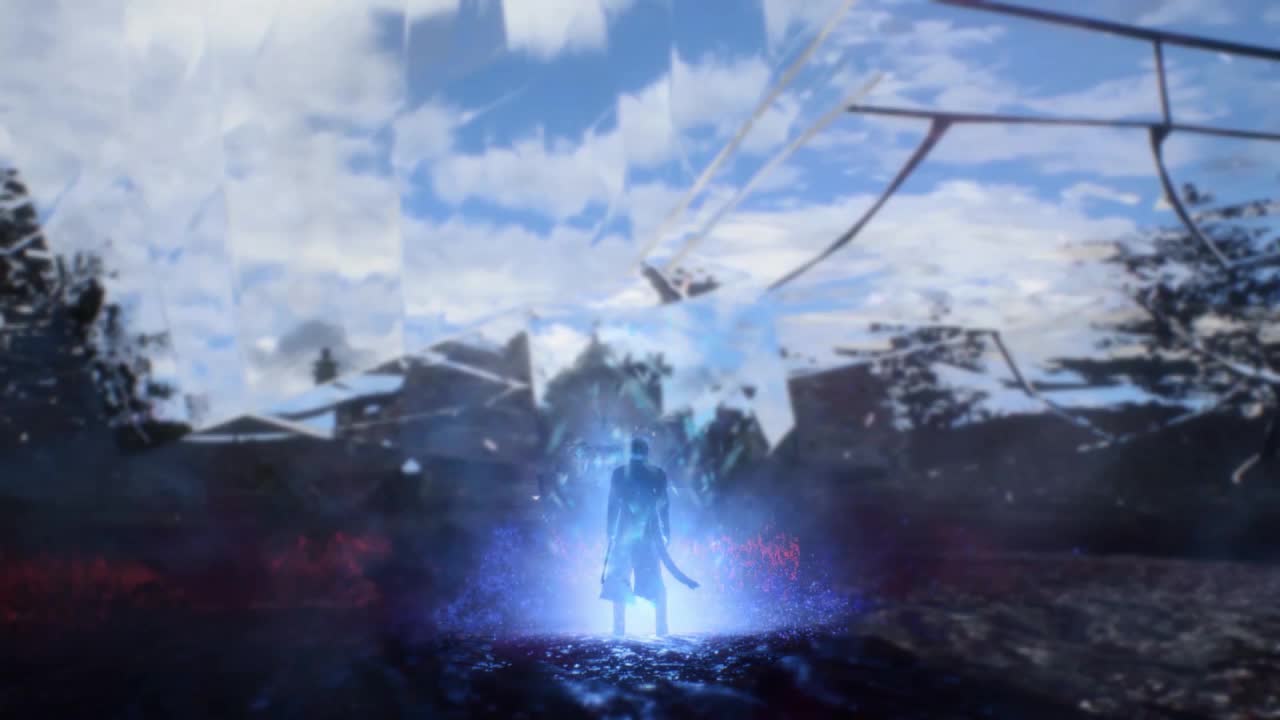
Vergil 4K Live Wallpaper | Devil May Cry 5

0:00 0:00

FxMotionLab
FxMotionLab Creator
4 wallpapers published
Description
Games

Vergil 4K Live Wallpaper | Devil May Cry 5 is a stunning computer and mobile background available in Games category. The original resolution of the video is 3840x2160, with a file size of 26.81 MB.

🛒 GET MORE & HIGH-RES FILES:If you like this wallpaper, please search "FxMotionLab" on Gumroad to check out our full collection and high-bitrate downloadable wallpapers!🔗 Gumroad: Search "FxMotionLab"
🛠️ CREATOR INFO:Created & animated by FxMotionLab using custom-built dynamic motion tools.

DOWNLOAD
Wallspace for macOS
Instantly set this wallpaper directly in the Wallspace app.
One Game Launcher
One Game Launcher provides a centralized place for your game library easily accessible by gamepad or keyboard & mouse. OGL is available as the game bar widget (compact and desktop mode) and regular app from the start menu.
Open in Editor
Set on Browser Tab:

Use Cases

This 3840x2160 Anime video wallpaper is perfect for:

Desktop or gaming PC wallpaper
4K and ultra-wide monitor
Large TV or digital signage
Streaming or overlay panel
YouTube or Twitch background
Wallpaper Engine or Lively
Video editing B-roll
Presentation or event backdrop

Compatibility

This file uses the HEVC codec inside an MP4 container, ensuring maximum compatibility across all modern devices and operating systems.

Windows 10 / 11 Wallpaper Engine, Lively Wallpaper, VLC
macOS 12 Monterey+ IINA, QuickTime, Wallpaper app
Linux Ubuntu 20.04+ VLC, mpv, Komorebi
Android 6.0+ Video wallpaper apps
Smart TV / Fire TV USB or streaming playback

How to Use

1

Click the Download button above to save the video file.

2

On Windows: install Wallpaper Engine or the free Lively Wallpaper app, then drag-and-drop the file in.

3

On macOS: use the free IINA player or any wallpaper app from the App Store.

4

For Wallpaper Engine users: add to your library and enable "Loop" and "Mute" in the properties.