Minecraft — Time & Weather
Next wallpaper
Minecraft — Time & Weather Live Wallpaper is an interactive live wallpaper available in Games category, with a download size of 18.04 MB. This is not a video — it's a self-contained interactive HTML package (.zip) that runs live right in your browser, exactly as shown in the preview above.
A living Minecraft landscape that mirrors the real weather outside your window. Four cinematic 4K scenes — morning, day, sunset, and night — cross-fade automatically through the day, while a live feed for any city worldwide drives real rain, snow, fog, sandstorms, and thunderstorms right on your desktop. A glowing pixel clock, a full weather panel, and a subtle 3D mouse-parallax effect complete the scene. Every option — city, clock format, blur, particle effects, and even a manual "force animation" mode — is adjustable from the built-in settings icon, so it works the same in Wallpaper Engine, Lively Wallpaper, or any other app that can display an HTML page.
 #1
#1
Marvel's Silver Surfer - Christmas Santa Hat Edition
13.2K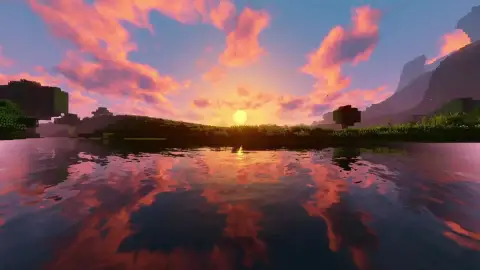 #2
#2
Minecraft Sunset
9.1K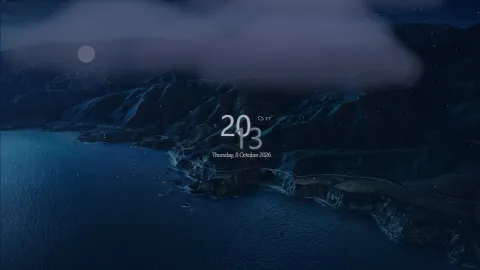 #3
#3
Real Day/Night Cycle 6K Nature Mountains (MacOS BigSur)
11.5K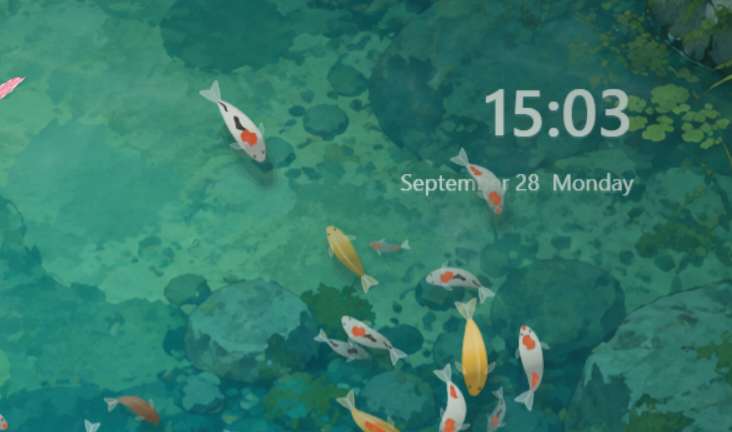 #4
#4
摸鱼 (Mō Yú) — Interactive Fish Pond Wallpaper
12.0K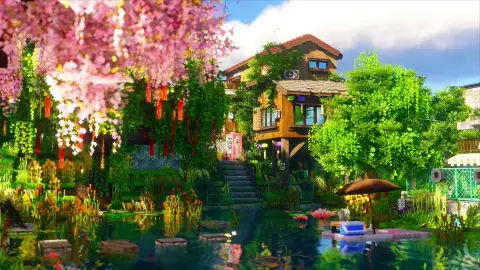 #5
#5
Minecraft: Japanese Summer
14.0K #6
#6
Minecraft – Relaxing Fireplace
9.9K #7
#7
Where Winds Meet - Ink Style Wuxia Warrior Silhouette
18.4K #8
#8
Minecraft - Relaxing Cherry Grove
13.5K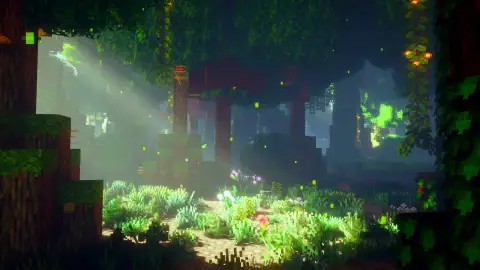 #9
#9
Minecraft: Misty Forest
13.5K #10
#10
Anime Girl x Cat🐾
5.0K #11
#11
Dreamy Water Portrait - Blue Eyes
4.8K #12
#12
Realistic Rei Ayanami Portrait
4.7K #13
#13
Wuthering Waves - Chisa
8.1K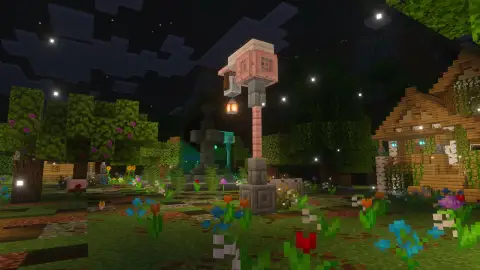 #14
#14
Minecraft: Garden Night
8.3K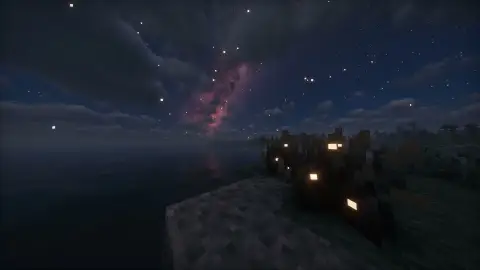 #15
#15
Minecraft: Nebula Night
12.9K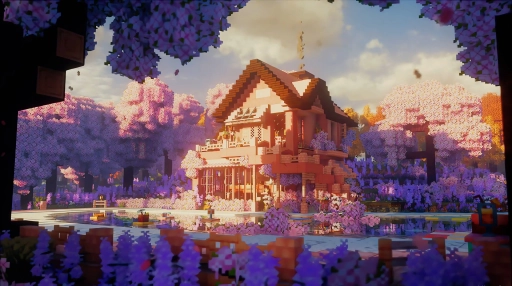 #16
#16
Cherry Blossom House Minecraft
7.4KHow to Use
This is an interactive HTML wallpaper (.zip) — it's not a video file, so it won't open in Wallpaper Engine, Lively, VLC, or any other video player as-is. It already plays live on this page above.
To use it as an actual desktop wallpaper, click Download Original above to save the .zip package.
Open it in Wallpaper Engine (or another app that supports "web" wallpapers) — it'll run the same live HTML you see above, right on your desktop.