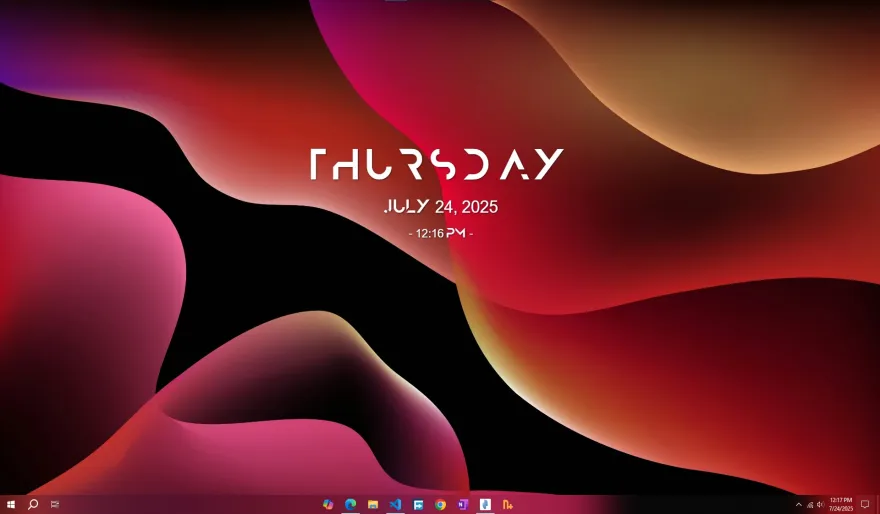
Stylized Clock & Date Widget
Enhance your desktop workflow with this elegant, minimal clock widget. Built for performance, it offers a transparent, drag-and-drop interface with full font customization.
Key Features
Add to your "Widgets" tab to keep your desktop organized. Start, stop, or remove the widget instantly via the main app interface.
Simply Right-Click the clock text to access the configuration menu. Change colors, opacity, and scale without opening complex windows.
Place any .ttf or .otf file in the /fonts folder next to the app, and the widget will detect it automatically.
The widget automatically remembers your last screen position and style settings even after a PC restart.
Optimized Python code uses minimal CPU (<1%) and RAM, leaving system resources free for gaming or work.
Toggle the visibility of the Day, Date, or Time elements individually to suit your aesthetic preferences.
Installation Guide
- Download the .zip package using the button below.
- Open the DesktopHut Application.
- Navigate to the "Widgets" tab on the left sidebar.
- Click the purple "+ Add Widget" button in the top right corner.
- Select the downloaded file to add it to your library, then click Play to launch.