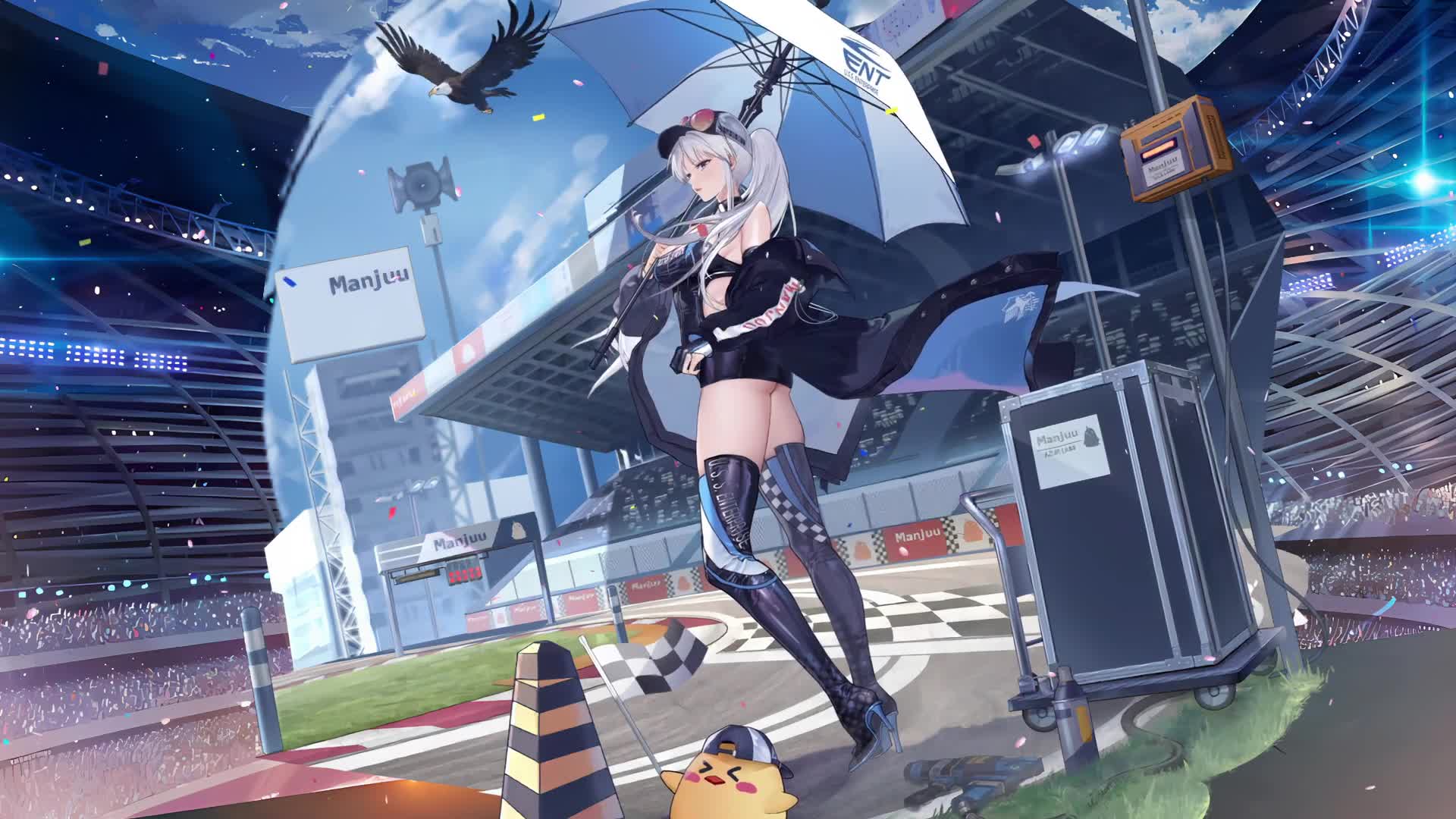
Enterprise Crying Azur Lane HD Live Wallpaper For PC
353 views · Full HD · MP4 · 4.2 MB
Enterprise Crying Azur Lane HD Live Wallpaper For PC est un superbe arrière-plan pour ordinateur et mobile disponible dans la catégorie Fonds d'écran animés. La résolution d'origine de la vidéo est Full HD, pour une taille de fichier de 4.2 MB.
Compatibilité
Ce fichier utilise le codec HEVC dans un conteneur MP4, ce qui garantit une compatibilité maximale avec tous les appareils et systèmes d'exploitation récents.
Commentaires
Aucun commentaire pour l'instant — soyez le premier à vous exprimer !
Fonds d'écran Fonds d'écran animés similaires
PlusEnterprise Merry Christmas Azur Lane HD For PC
882Azur Lane Enterprise Girl Anime
903Detective Enterprise With Essex Azur Lane HD For PC
482Azur Lane Enterprise Live Anime Wallpaper 4K
1.4KiPhone and Android Enterprise Christmas Azur Lane Live Phone Wallpaper
851Enterprise Azur Lane HD For PC
435Android iPhone Noshiro Azur Lane Anime For Phone
613Belfast Azur Lane HD For PC
455Fond d'écran animé Enterprise Crying Azur Lane HD For PC : usages, compatibilité et mode d'emploi
Enterprise Crying Azur Lane HD For PC est un fond d'écran vidéo gratuit en Full HD pour PC, Mac et mobile, créé en 1920x1080. C'est un arrière-plan animé fluide et en boucle continue de notre collection Fonds d'écran animés que vous pouvez définir comme fond d'écran en quelques clics avec Wallpaper Engine, Lively Wallpaper ou l'application gratuite DesktopHut.
Meilleurs cas d'usage
- Ordinateur de bureau et PC gamerDonnez vie à votre bureau Windows ou macOS avec Enterprise Crying Azur Lane HD For PC.
- Écrans 4K et ultra-largesUne qualité Full HD qui reste nette sur les grands écrans et les écrans haute résolution.
- Grand téléviseur ou affichage dynamiqueUn arrière-plan animé en boucle pour les téléviseurs de salon, les boutiques et les halls d'accueil.
- Arrière-plan de streamingUtilisez-le comme panneau en superposition ou comme arrière-plan de scène sur Twitch et YouTube.
- Wallpaper Engine ou LivelyAjoutez-le à votre bibliothèque et utilisez-le comme fond d'écran animé animated wallpapers.
- Montage vidéoDes séquences d'illustration en boucle ou un arrière-plan animé pour vos montages et vos intros.
- Présentations et événementsUn arrière-plan accrocheur pour vos conférences, rencontres et fêtes.
- Téléphone et tabletteUtilisez une application de fond d'écran vidéo sur Android pour animer votre écran d'accueil.
Compatibilité
Ce fichier utilise le codec HEVC dans un conteneur MP4 ; il est donc lisible sur tous les appareils et systèmes d'exploitation récents.
| Plateforme | Version | Compatible avec |
|---|---|---|
| Windows | 10 / 11 | Wallpaper Engine, Lively Wallpaper, VLC |
| macOS | 12 Monterey + | IINA, QuickTime, app Fond d'écran |
| Linux | Ubuntu 20.04 + | VLC, mpv, Komorebi |
| Android | 6.0 + | Applis de fonds d'écran vidéo |
| Smart TV / Fire TV | Toutes | Lecture USB ou en streaming |
Mode d'emploi
- Cliquez sur le bouton Télécharger ci-dessus pour enregistrer Enterprise Crying Azur Lane HD For PC sur votre appareil.
- Sous Windows : installez Wallpaper Engine ou l'application gratuite Lively Wallpaper, puis glissez-déposez le fichier dedans.
- Sous macOS : utilisez le lecteur gratuit IINA ou n'importe quelle application de fonds d'écran de l'App Store.
- Dans Wallpaper Engine : ajoutez-le à votre bibliothèque et activez Boucle et Muet dans les propriétés.
- Parcourir d'autres fonds d'écran Fonds d'écran animés if you want to build a collection.
Questions fréquentes
Is Enterprise Crying Azur Lane HD For PC free to download?
Enterprise Crying Azur Lane HD For PC is available to download for free on DesktopHut for personal use on your own desktop or phone. No account is needed to download it.
How do I set Enterprise Crying Azur Lane HD For PC as my desktop wallpaper?
On Windows, install Wallpaper Engine or the free Lively Wallpaper app, then drag and drop the downloaded video file into it and click Set as wallpaper. On macOS, use a free player or wallpaper app such as IINA.
Un fond d'écran animé ralentira-t-il mon PC ?
Well optimized live wallpapers use little CPU and GPU. Lively Wallpaper and Wallpaper Engine can also pause the animation automatically when a game or fullscreen app is running, so it will not hurt your frame rate.
What resolution is Enterprise Crying Azur Lane HD For PC?
Enterprise Crying Azur Lane HD For PC is provided as Full HD (1920x1080), with a download size of 4.2 MB. It scales to fit Full HD, 2K and 4K monitors.