Questo file usa il codec HEVC all'interno di un contenitore MP4, per garantire la massima compatibilità con tutti i dispositivi e i sistemi operativi moderni.
Windows 10 / 11
Wallpaper Engine, Lively, VLC
macOS 12 Monterey+
IINA, QuickTime, app Wallpaper
Linux Ubuntu 20.04+
VLC, mpv, Komorebi
Android 6.0+
App per sfondi video
Smart TV / Fire TV
Riproduzione da USB o in streaming
Commenti
Ancora nessun commento: sii il primo a dire la tua!
Imposta subito questo sfondo direttamente nell'app Wallspace.
One Game Launcher
One Game Launcher provides a centralized place for your game library easily accessible by gamepad or keyboard & mouse. OGL is available as the game bar widget (compact and desktop mode) and regular app from the start menu.
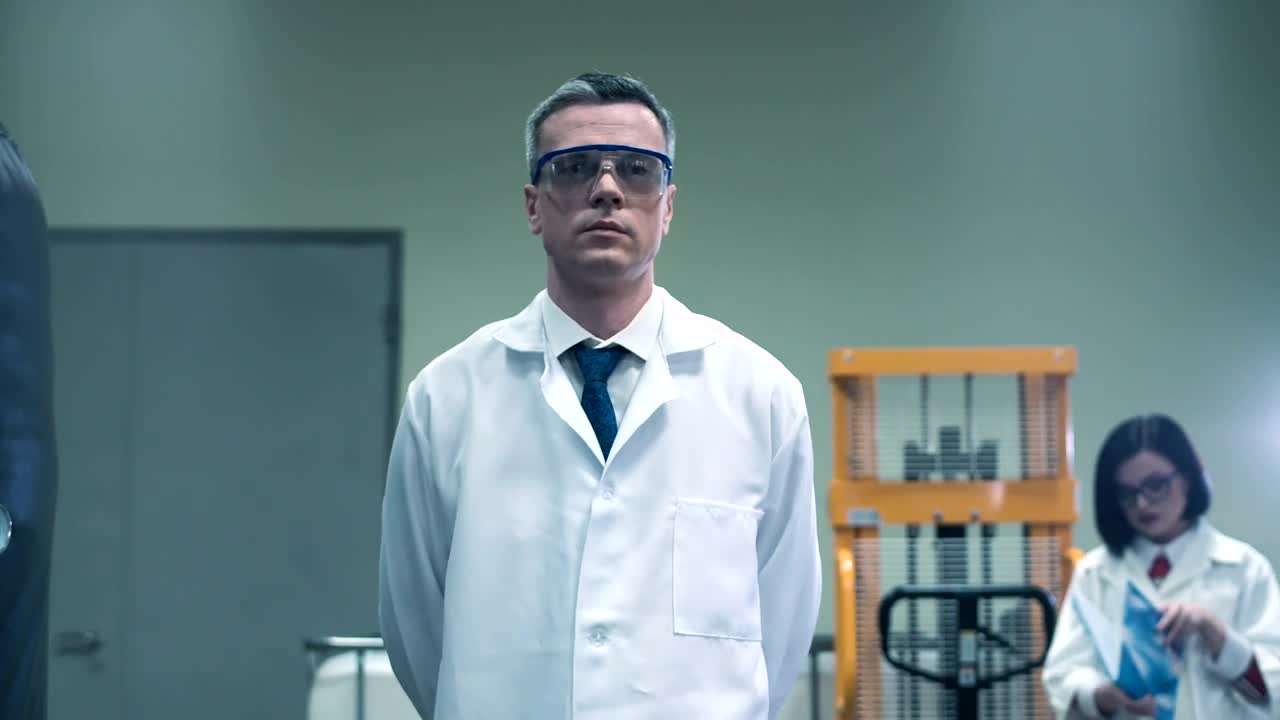
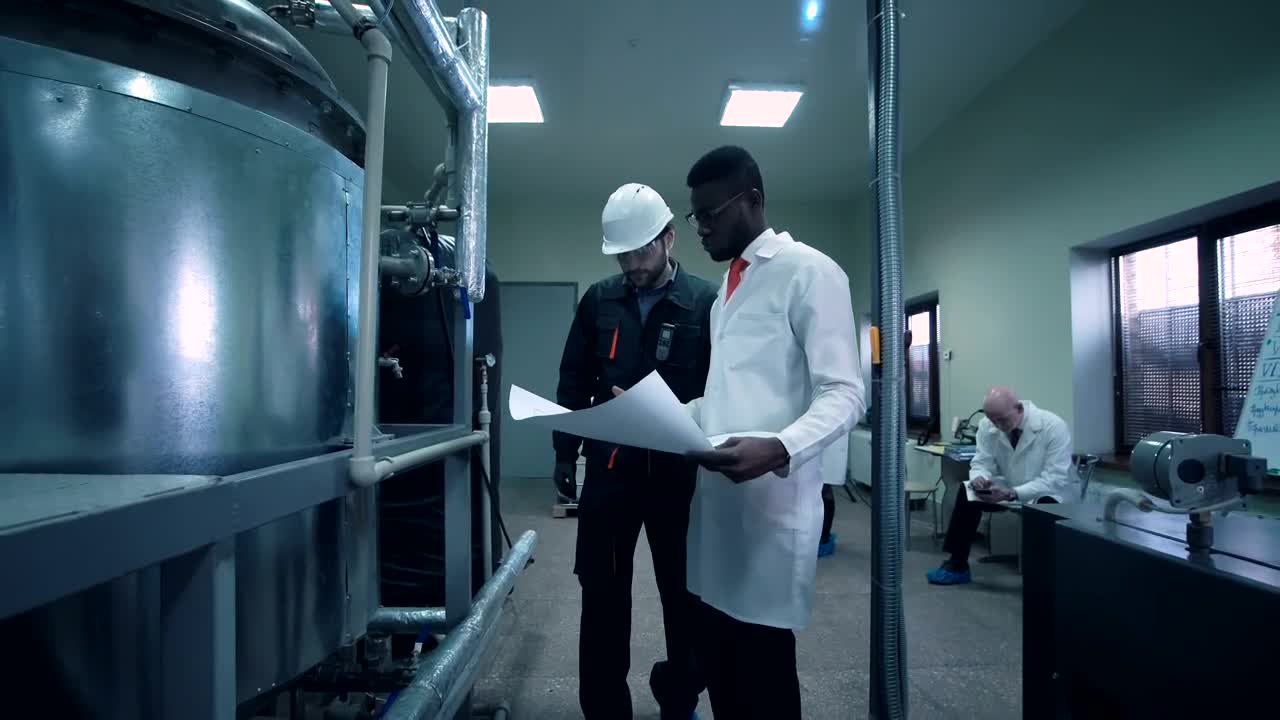
Sfondo animato Free Stock Video Scientist Writing In The Lab: usi, compatibilità e come usarlo
Free Stock Video Scientist Writing In The Lab è un sfondo video gratuito in Full HD per PC, Mac e dispositivi mobili, creato in 1920x1080. È uno sfondo animato fluido e in loop continuo
dalla nostra collezione Video stock gratuiti che puoi impostare come sfondo del desktop in pochi clic con Wallpaper Engine, Lively Wallpaper o l'app gratuita DesktopHut.
I migliori usi
Desktop e PC da gamingDai vita al tuo desktop Windows o macOS con Free Stock Video Scientist Writing In The Lab.
Monitor 4K e ultrawideQualità Full HD che resta nitida anche su schermi grandi e ad alta risoluzione.
TV di grandi dimensioni o digital signageUno sfondo animato in loop per TV del salotto, negozi e hall.
Sfondo per lo streamingUsalo come pannello in sovrimpressione o sfondo della scena su Twitch e YouTube.
Wallpaper Engine o LivelyAggiungilo alla tua libreria e usalo come live wallpaper free stock video footage.
Montaggio videoB-roll in loop o sfondo in movimento per montaggi e intro.
Presentazioni ed eventiUno sfondo accattivante per interventi, incontri e feste.
Telefono e tabletUsa un'app di sfondi video su Android per animare la schermata Home.
Compatibilità
Questo file usa il codec HEVC all'interno di un contenitore MP4, quindi si riproduce su tutti i dispositivi e i sistemi operativi moderni.
Piattaforma
Versione
Funziona con
Windows
10 / 11
Wallpaper Engine, Lively Wallpaper, VLC
macOS
12 Monterey +
IINA, QuickTime, app Wallpaper
Linux
Ubuntu 20.04 +
VLC, mpv, Komorebi
Android
6.0 +
App per sfondi video
Smart TV / Fire TV
Qualsiasi
Riproduzione da USB o in streaming
Come usarlo
Fai clic sul pulsante Scarica qui sopra per salvare Free Stock Video Scientist Writing In The Lab sul tuo dispositivo.
Su Windows: installa Wallpaper Engine o l'app gratuita Lively Wallpaper, poi trascina il file al suo interno.
Su macOS: usa il lettore gratuito IINA o una qualsiasi app per sfondi dell'App Store.
In Wallpaper Engine: aggiungilo alla libreria e attiva Loop e Muto nelle proprietà.
Is Free Stock Video Scientist Writing In The Lab free to download?
Free Stock Video Scientist Writing In The Lab is available to download for free on DesktopHut for personal use on your own desktop or phone. No account is needed to download it.
How do I set Free Stock Video Scientist Writing In The Lab as my desktop wallpaper?
On Windows, install Wallpaper Engine or the free Lively Wallpaper app, then drag and drop the downloaded video file into it and click Set as wallpaper. On macOS, use a free player or wallpaper app such as IINA.
Un wallpaper animato rallenta il mio PC?
Well optimized live wallpapers use little CPU and GPU. Lively Wallpaper and Wallpaper Engine can also pause the animation automatically when a game or fullscreen app is running, so it will not hurt your frame rate.
What resolution is Free Stock Video Scientist Writing In The Lab?
Free Stock Video Scientist Writing In The Lab is provided as Full HD (1920x1080), with a download size of 6.8 MB. It scales to fit Full HD, 2K and 4K monitors.