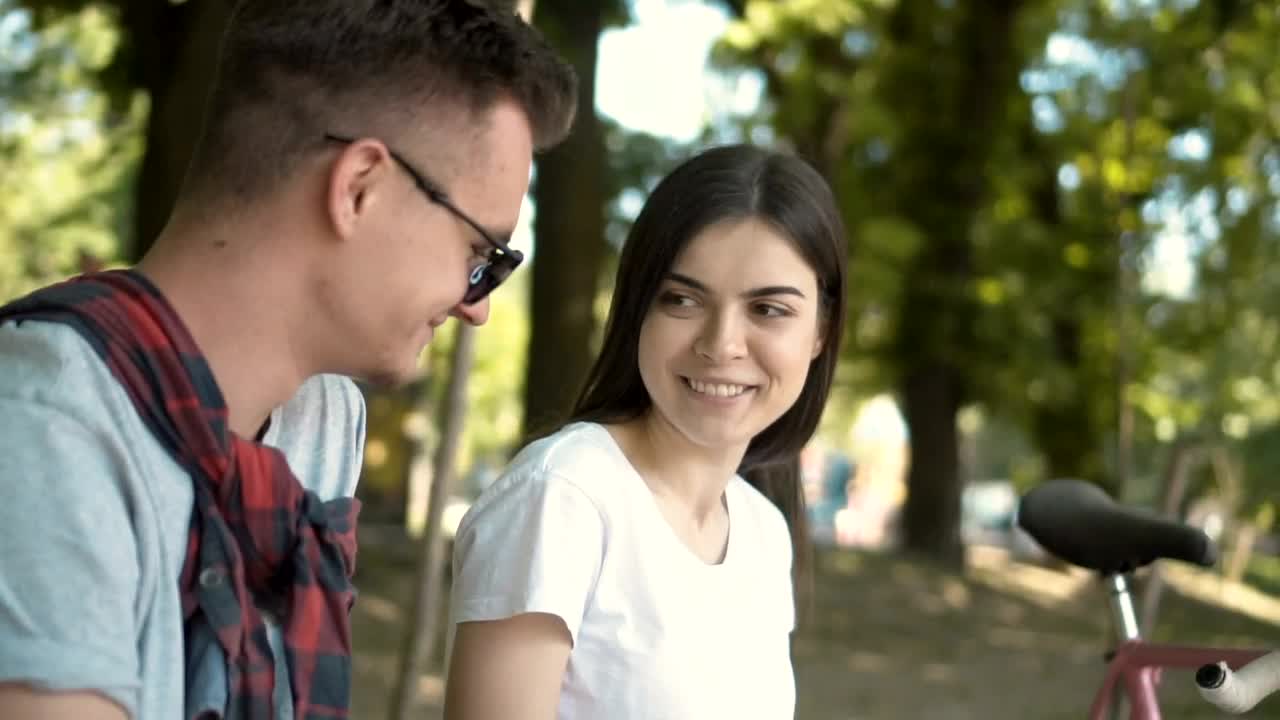
Free Stock Video Two Fencer Friends Talking After A Duel Live Wallpaper
208 views · Full HD · MP4 · 4.7 MB
Compatibilidad
Este archivo usa el códec HEVC dentro de un contenedor MP4, lo que garantiza la máxima compatibilidad con todos los dispositivos y sistemas operativos modernos.
Comentarios
Aún no hay comentarios: ¡sé el primero en decir algo!
Fondos de pantalla de Vídeos de stock gratis similares
MásStock Video Happy Friends Walk Down The Street While Talking Animated Wallpaper
126Stock Video Friends In Masks Talking And Walking On The Street For PC
171Stock Video Friends Walking The Streets After A Shopping Time For PC
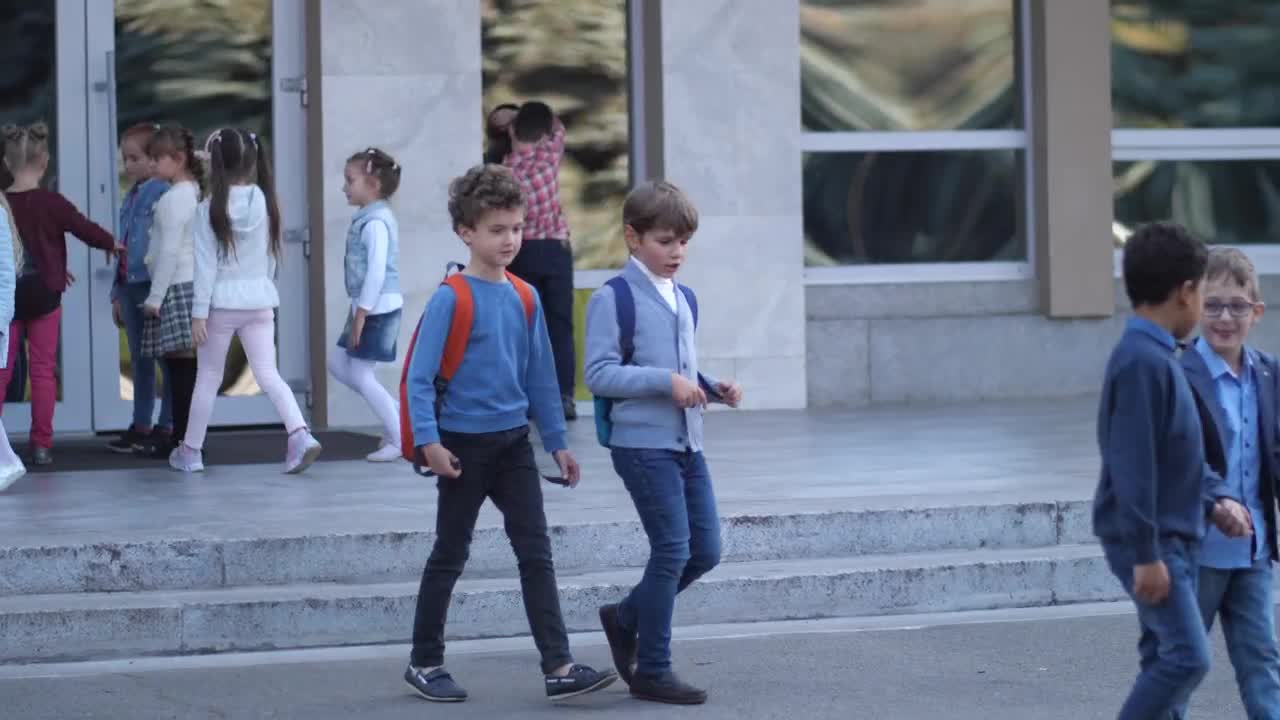
137Stock Footage Young School Children Talking After Class Free
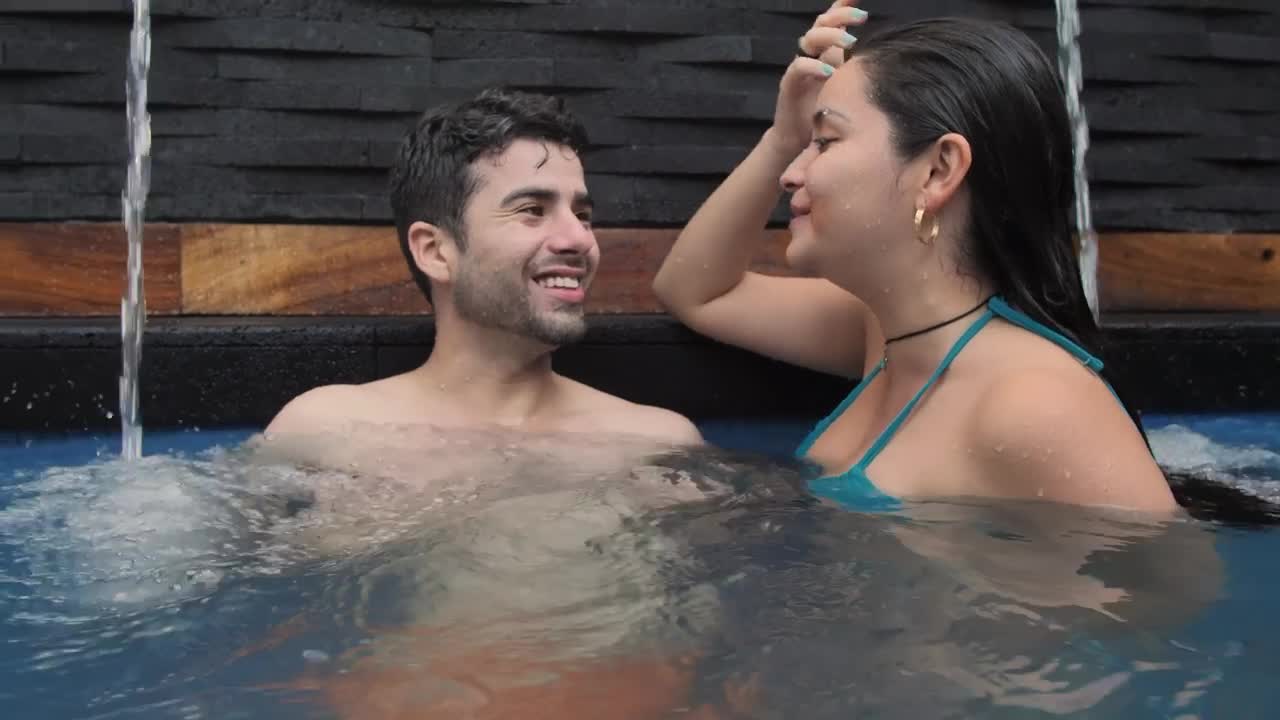
275Stock Video Good Friends Talking In A Swimming Pool For PC
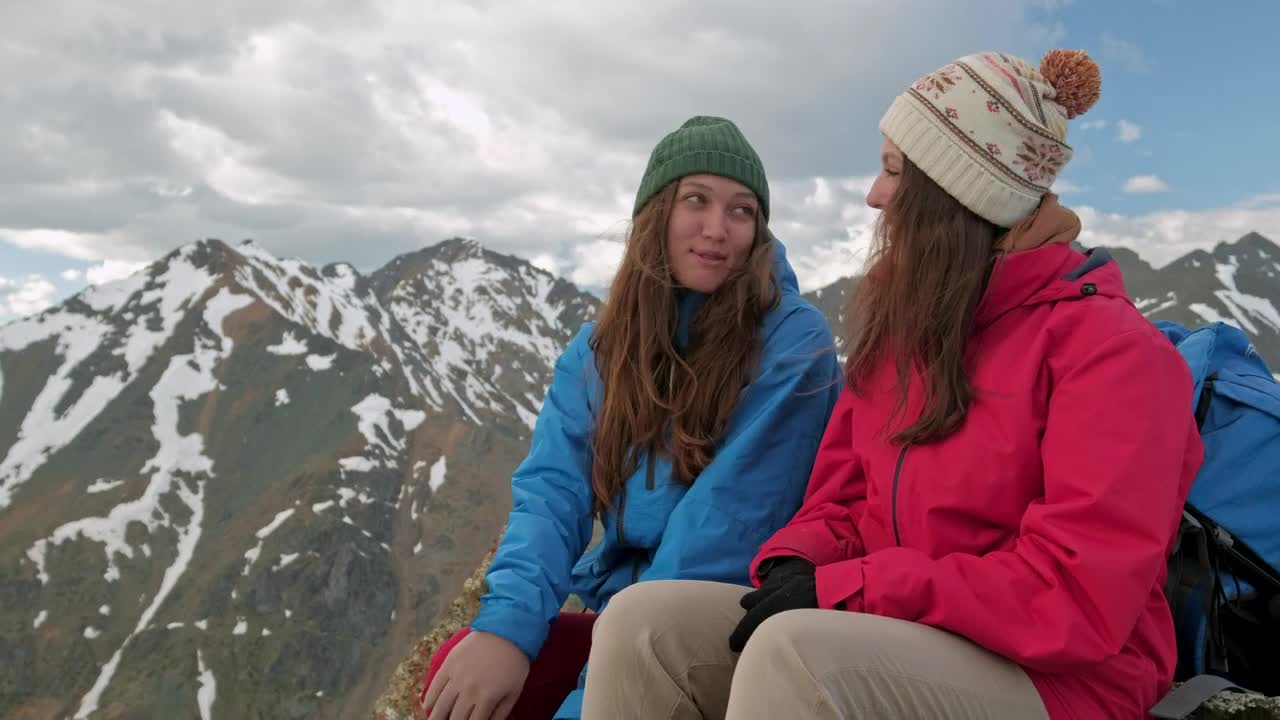
335Stock Video Mountaineer Friends Talking On The Top Of A Hill
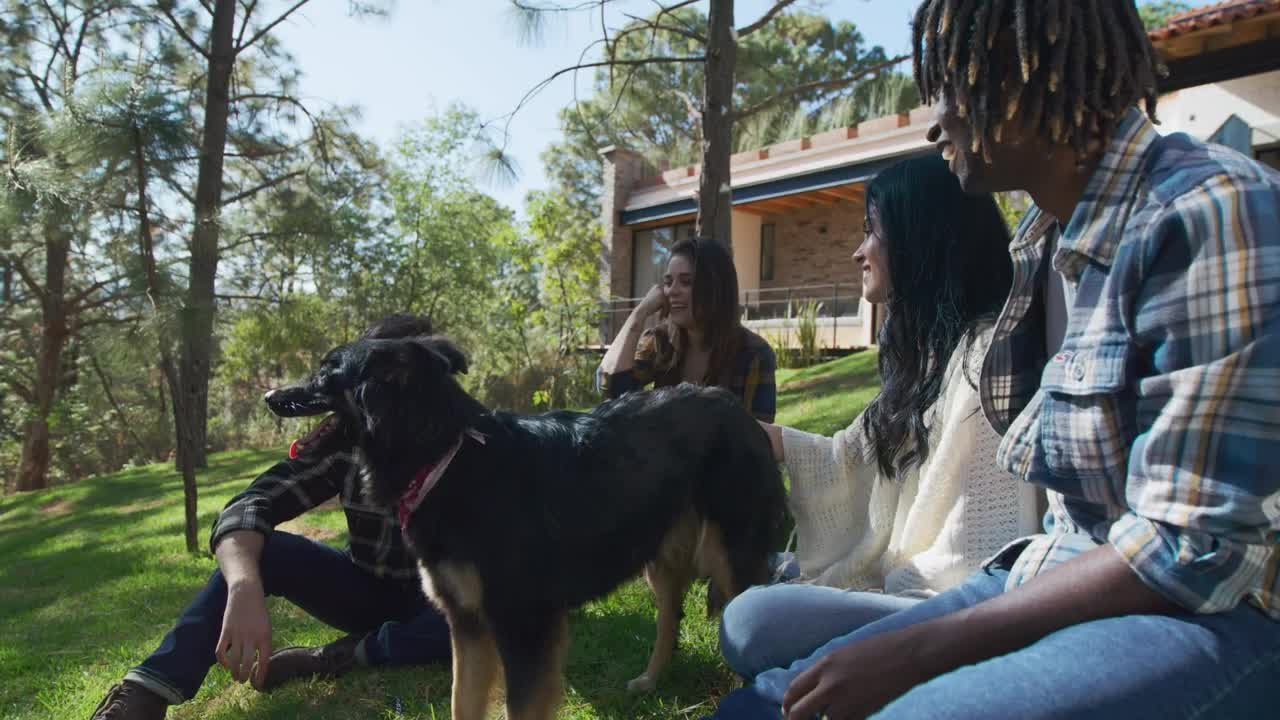
141Stock Video Group Of Friends Talking Sitting In A Garden For PC
284Stock Video Friends Talking In The Park For PC
133Fondos de pantalla animados de Free Stock Video Two Fencer Friends Talking After A Duel: usos, compatibilidad y cómo usarlo
Free Stock Video Two Fencer Friends Talking After A Duel es un fondo de vídeo gratuito en Full HD para PC, Mac y móvil, creado en 1920x1080. Es un fondo animado fluido y en bucle continuo de nuestra colección Vídeos de stock gratis que puedes establecer como fondo de escritorio en pocos clics con Wallpaper Engine, Lively Wallpaper o la app gratuita de DesktopHut.
Mejores usos
- Escritorio y PC gamingDa vida a tu escritorio de Windows o macOS con Free Stock Video Two Fencer Friends Talking After A Duel.
- Monitores 4K y ultrapanorámicosCalidad Full HD que se mantiene nítida en pantallas grandes y de alta resolución.
- Televisor grande o cartelería digitalUn fondo animado en bucle para televisores de salón, tiendas y vestíbulos.
- Fondo para streamingÚsalo como panel superpuesto o fondo de escena en Twitch y YouTube.
- Wallpaper Engine o LivelyAñádelo a tu biblioteca y úsalo como fondo de pantalla animado de free stock video footage.
- Edición de vídeoMaterial de apoyo en bucle o fondo en movimiento para tus montajes e intros.
- Presentaciones y eventosUn fondo llamativo para charlas, encuentros y fiestas.
- Móvil y tabletaUsa una aplicación de fondos de vídeo en Android para animar tu pantalla de inicio.
Compatibilidad
Este archivo usa el códec HEVC dentro de un contenedor MP4, por lo que se reproduce en todos los dispositivos y sistemas operativos modernos.
| Plataforma | Versión | Compatible con |
|---|---|---|
| Windows | 10 / 11 | Wallpaper Engine, Lively Wallpaper, VLC |
| macOS | 12 Monterey + | IINA, QuickTime, app Fondo de pantalla |
| Linux | Ubuntu 20.04 + | VLC, mpv, Komorebi |
| Android | 6.0 + | Apps de fondos de pantalla de vídeo |
| Smart TV / Fire TV | Cualquiera | Reproducción por USB o streaming |
Cómo usarlo
- Haz clic en el botón Descargar de arriba para guardar Free Stock Video Two Fencer Friends Talking After A Duel en tu dispositivo.
- En Windows: instala Wallpaper Engine o la aplicación gratuita Lively Wallpaper y arrastra el archivo hasta ella.
- En macOS: usa el reproductor gratuito IINA o cualquier aplicación de fondos de la App Store.
- En Wallpaper Engine: añádelo a tu biblioteca y activa Bucle y Silenciar en las propiedades.
- Explora más fondos de pantalla de Vídeos de stock gratis if you want to build a collection.
Preguntas frecuentes
Is Free Stock Video Two Fencer Friends Talking After A Duel free to download?
Free Stock Video Two Fencer Friends Talking After A Duel is available to download for free on DesktopHut for personal use on your own desktop or phone. No account is needed to download it.
How do I set Free Stock Video Two Fencer Friends Talking After A Duel as my desktop wallpaper?
On Windows, install Wallpaper Engine or the free Lively Wallpaper app, then drag and drop the downloaded video file into it and click Set as wallpaper. On macOS, use a free player or wallpaper app such as IINA.
¿Un fondo de pantalla animado ralentizará mi PC?
Well optimized live wallpapers use little CPU and GPU. Lively Wallpaper and Wallpaper Engine can also pause the animation automatically when a game or fullscreen app is running, so it will not hurt your frame rate.
What resolution is Free Stock Video Two Fencer Friends Talking After A Duel?
Free Stock Video Two Fencer Friends Talking After A Duel is provided as Full HD (1920x1080), with a download size of 4.7 MB. It scales to fit Full HD, 2K and 4K monitors.