Vorschau · nicht die Datei in voller Länge oder voller Auflösung
0:000:00
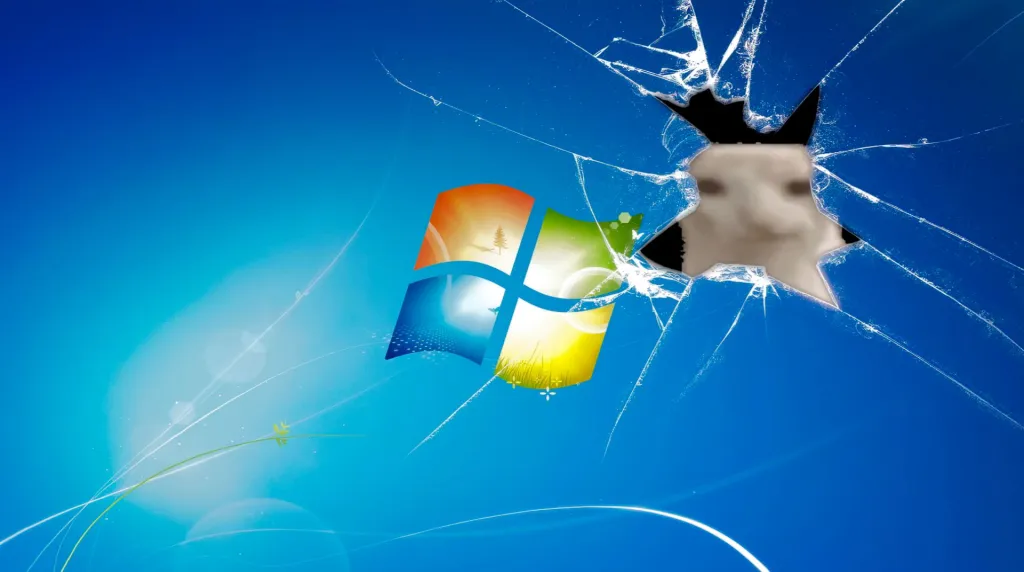
Über Windows X Shrek Bliss Live Wallpaper
Windows X ShrekBliss Live Wallpaper ist ein beeindruckender Hintergrund für Computer und Smartphone in der Kategorie 3D-Animation. Die Originalauflösung des Videos beträgt 4K, die Dateigröße 7.03 MB.
Enjoy a humorous twist on the classic Windows XP bliss hill featuring Shrek relaxing on the green grass under a bright blue sky.
So richtest du es ein

Windows: Ziehe die Datei in Wallpaper Engine oder die kostenlose Lively-Wallpaper-App.
Mac: Nutze den Mac-Button unter „Herunterladen“ oder eine beliebige Wallpaper-App.
Android: Öffne das Download-Menü (▾) und wähle „Für Handy herunterladen“. Komplette Anleitung →
Fragen
Ist Windows X Shrek Bliss kostenlos zum Download?
Ja. Windows X Shrek Bliss kannst du auf DesktopHut kostenlos für die private Nutzung auf deinem Desktop oder Handy herunterladen. Ein Konto ist nicht nötig.
Verlangsamt ein animiertes Wallpaper meinen PC?
Gut optimierte Live Wallpaper brauchen wenig CPU und GPU. Lively Wallpaper und Wallpaper Engine können die Animation außerdem automatisch pausieren, wenn ein Spiel oder eine Vollbild-App läuft – deine Framerate leidet also nicht.
Funktioniert es auf Ultrawide-Monitoren?
Es ist 16:9 und passt auf normale Monitore und TVs von Full HD bis 4K. Auf 21:9- oder 32:9-Ultrawide-Bildschirmen wird es skaliert, sodass oben und unten etwas abgeschnitten wird.
Lege dieses Wallpaper direkt in der Wallspace App fest.
One Game Launcher
One Game Launcher provides a centralized place for your game library easily accessible by gamepad or keyboard & mouse. OGL is available as the game bar widget (compact and desktop mode) and regular app from the start menu.



Kommentare (0) — schreib den ersten Kommentar