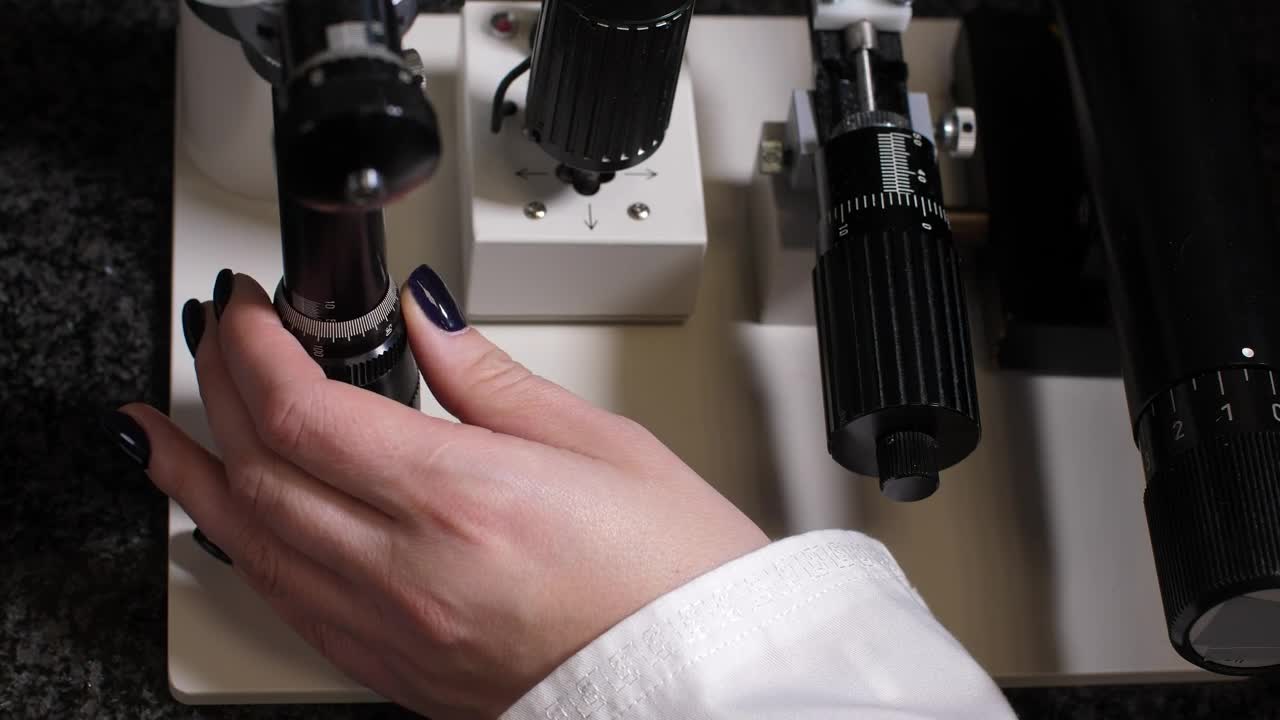
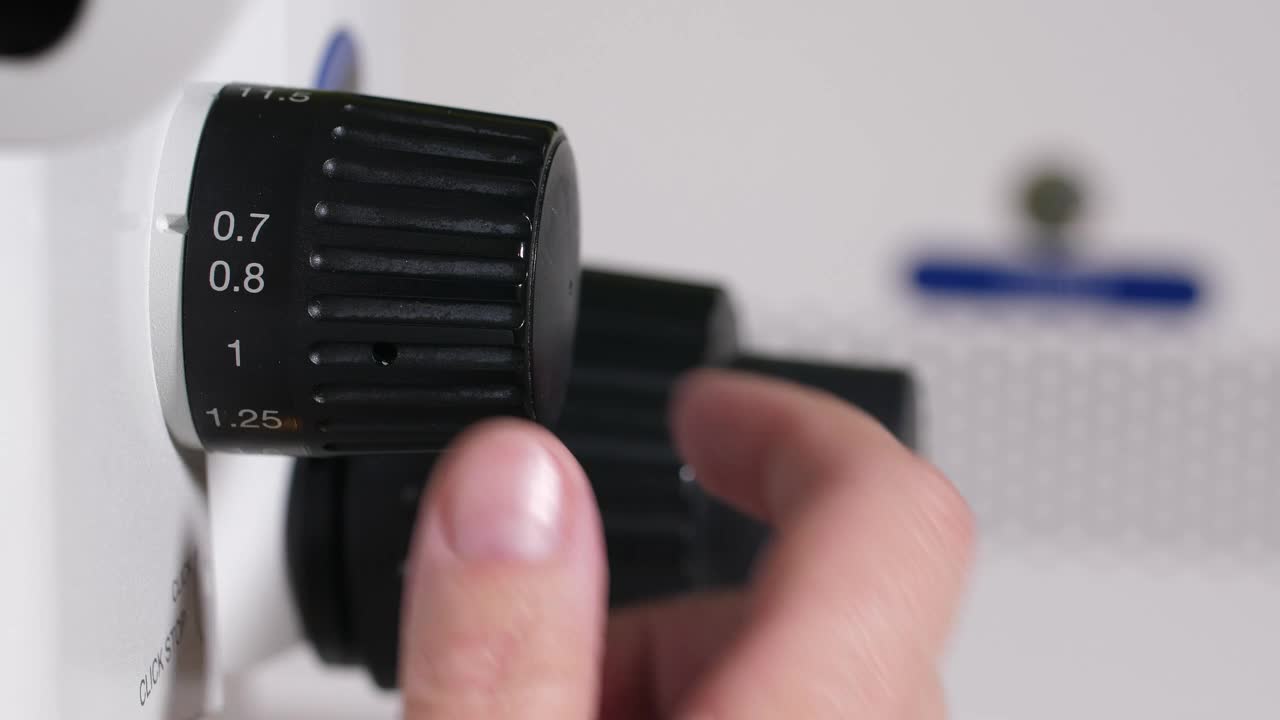
Stock Video Increasing The Zoom On A Microscope Animated Wallpaper
153 views · Full HD · MP4 · 5.8 MB
Stock Video Increasing Das Fenster Zoom On A Microscope Animated Wallpaper Live Wallpaper ist ein beeindruckender Hintergrund für Computer und Smartphone in der Kategorie Kostenloses Stockvideo-Material. Die Originalauflösung des Videos beträgt Full HD, die Dateigröße 5.8 MB.
Kompatibilität
Diese Datei verwendet den HEVC-Codec in einem MP4-Container und bietet so maximale Kompatibilität mit allen modernen Geräten und Betriebssystemen.
Kommentare
Noch keine Kommentare — schreib als Erster etwas!
Ähnliche Kostenloses Stockvideo-Material Wallpaper
MehrFree Stock Video Researcher Using A Microscope Zoom
158Stock Video Adjusting The Zoom On A Microscope for PC
184Stock Footage Zoom Out Aerial Shot Of Manhattan City At Dusk Free
537Stock Footage Woman Working With Microscope In The Lab Free
339Free Video Stock traffic on an avenue top zoom out aerial shot
384Free Stock Video Zoom And Spin Transition
458Free Stock Video Zoom Top Aerial Shot Of Traffic In La
282PC Zoom Flash Free
921Stock Video Increasing The Zoom On A Microscope Animated Wallpaper Live Wallpaper: Einsatzmöglichkeiten, Kompatibilität & Anleitung
Stock Video Increasing The Zoom On A Microscope Animated Wallpaper ist ein kostenloses Video-Hintergrundbild in Full HD für PC, Mac und Mobilgeräte, erstellt in 1920x1080. Es ist ein flüssiger, nahtlos wiederholter animierter Hintergrund aus unserer Kollektion Kostenloses Stockvideo-Material – ideal, um ihn in wenigen Klicks mit Wallpaper Engine, Lively Wallpaper oder der kostenlosen DesktopHut-App als Desktop-Hintergrund festzulegen.
Beste Einsatzmöglichkeiten
- Desktop und Gaming-PCErwecke deinen Windows- oder macOS-Desktop mit Stock Video Increasing The Zoom On A Microscope Animated Wallpaper zum Leben.
- 4K- und Ultrawide-MonitoreFull HD-Qualität, die auf großen und hochauflösenden Bildschirmen gestochen scharf bleibt.
- Großer Fernseher oder Digital SignageEin animierter Endlos-Hintergrund für Fernseher im Wohnzimmer, Geschäfte und Lobbys.
- Streaming-HintergrundNutze ihn als Overlay-Panel oder Szenenhintergrund auf Twitch und YouTube.
- Wallpaper Engine oder LivelyLeg es in deine Bibliothek und nutze es als free stock video footage Live Wallpaper.
- VideobearbeitungLooping-B-Roll oder Bewegungshintergrund für Schnitte und Intros.
- Präsentationen und EventsEin auffälliger Hintergrund für Vorträge, Meetups und Partys.
- Smartphone und TabletNutze eine Video-Wallpaper-App unter Android, um deinen Startbildschirm zu animieren.
Kompatibilität
Diese Datei verwendet den HEVC-Codec in einem MP4-Container und lässt sich daher auf allen modernen Geräten und Betriebssystemen abspielen.
| Plattform | Version | Funktioniert mit |
|---|---|---|
| Windows | 10 / 11 | Wallpaper Engine, Lively Wallpaper, VLC |
| macOS | 12 Monterey + | IINA, QuickTime, Wallpaper-App |
| Linux | Ubuntu 20.04 + | VLC, mpv, Komorebi |
| Android | 6.0 + | Video-Wallpaper-Apps |
| Smart-TV / Fire TV | Beliebig | Wiedergabe per USB oder Streaming |
So geht's
- Klicke oben auf die Schaltfläche Download, um Stock Video Increasing The Zoom On A Microscope Animated Wallpaper auf dein Gerät zu speichern.
- Unter Windows: Installiere Wallpaper Engine oder die kostenlose Lively Wallpaper App und ziehe die Datei dann per Drag & Drop hinein.
- Unter macOS: Nutze den kostenlosen IINA-Player oder eine beliebige Wallpaper-App aus dem App Store.
- In Wallpaper Engine: Füge sie deiner Bibliothek hinzu und aktiviere in den Eigenschaften Loop und Stumm.
- Entdecke weitere Kostenloses Stockvideo-Material-Wallpaper if you want to build a collection.
Häufig gestellte Fragen
Is Stock Video Increasing The Zoom On A Microscope Animated Wallpaper free to download?
Stock Video Increasing The Zoom On A Microscope Animated Wallpaper is available to download for free on DesktopHut for personal use on your own desktop or phone. No account is needed to download it.
How do I set Stock Video Increasing The Zoom On A Microscope Animated Wallpaper as my desktop wallpaper?
On Windows, install Wallpaper Engine or the free Lively Wallpaper app, then drag and drop the downloaded video file into it and click Set as wallpaper. On macOS, use a free player or wallpaper app such as IINA.
Verlangsamt ein animiertes Wallpaper meinen PC?
Well optimized live wallpapers use little CPU and GPU. Lively Wallpaper and Wallpaper Engine can also pause the animation automatically when a game or fullscreen app is running, so it will not hurt your frame rate.
What resolution is Stock Video Increasing The Zoom On A Microscope Animated Wallpaper?
Stock Video Increasing The Zoom On A Microscope Animated Wallpaper is provided as Full HD (1920x1080), with a download size of 5.8 MB. It scales to fit Full HD, 2K and 4K monitors.